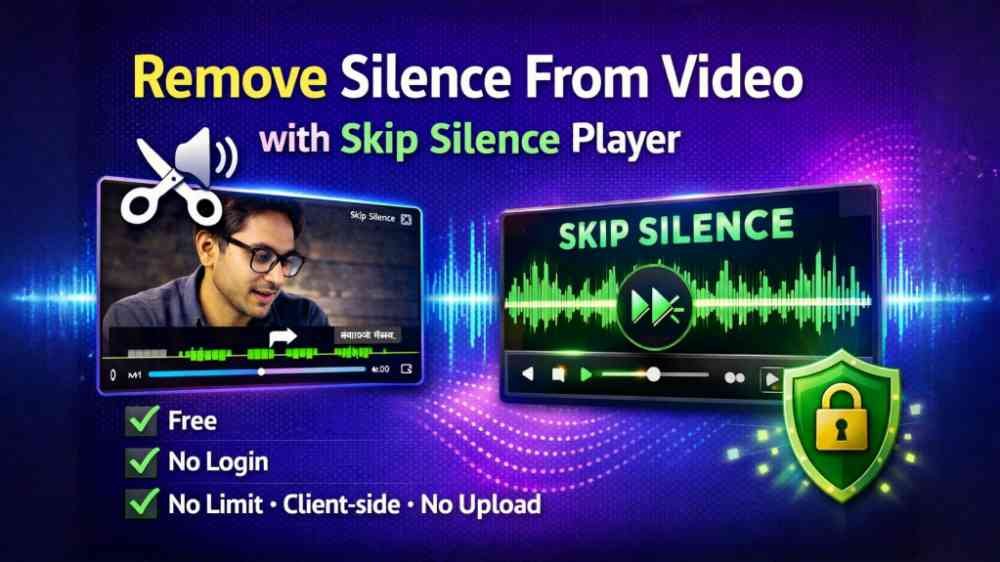


Automatically Remove Silence From Video Free – Fast, Secure & Smart
If you record long videos, meetings, tutorials, vlogs, or podcasts, silent parts can waste a lot of your viewers’ time. Our free online tool “Remove Silence From Video – with Skip Silence Player” helps you clean up your video instantly. It automatically detects pauses and skips them, so your video becomes shorter, faster, and more engaging.
This tool runs 100% on the client side in your browser. Your video is never uploaded to any server, which makes it fully private and secure. There is no login, no limits, no watermark – just open the website, load your video, and start removing silence.
Key Features of the Skip Silence Player
The built-in Skip Silence Player is the heart of this tool. Once your video is analyzed, the player:
– Automatically skips silent sections in real time while playing
– Shows you how much time was saved by skipping silence
– Displays how many segments were detected and skipped
– Lets you watch the optimized video without saving anything to your device
– Offers an option to export and download a final MP4 without silence for offline use
This means you can either use the player to quickly watch your content without gaps, or create a clean, silence-free video file that you can share or upload anywhere.
Step 1: Select Your Video File
To get started, simply click on the “Select Video” button (or a similar upload/select option) and choose the video from your device. The tool supports common formats like MP4 and others that your browser can decode.
As soon as you choose a file, the video is loaded directly in your browser. Because everything works client side, your footage stays private. No background upload is performed and no external server sees your content.
Step 2: Analyze the Video for Silence
After selecting the video, you will see an “Analyze” button. This is where the magic starts. Click “Analyze” and the tool scans your video’s audio track to detect quiet or silent moments.
The analyzer looks for low-volume sections that can be considered silence. Based on this, it detects which parts can be safely skipped to keep your video fluid and engaging. The analysis happens directly in the browser, using the processing power of your own device.
Optional: Use Additional Settings for Better Control
If you want more control, you can open the Additional Settings before or during analysis. This section lets you fine-tune how aggressively silence should be removed.
In Additional Settings you can typically adjust:
– Silence threshold: Choose how quiet a segment must be to count as silence. Lower threshold = more sensitive, detects even soft speech pauses; higher threshold = only very quiet moments are removed.
– Minimum silence duration: Define how long a quiet part must last before it is skipped. This helps to avoid cutting extremely short pauses that sound natural in speech.
– Other sensitivity or timing options, depending on the implementation, that control how smooth the cuts feel.
After adjusting these settings, run the analysis again. The tool will apply your custom preferences, so you get exactly the level of silence removal you want.
Step 3: Review Results in the Skip Silence Player
Once the analysis is complete, a video player appears below. This Skip Silence Player gives you a clear overview of how your video changed:
– It may highlight or list the segments that will be skipped
– Shows how much of the video was treated as silence
– Displays the total duration saved after removing these silent parts
– Indicates how many individual skip segments were identified
You can press play and watch your video directly in this player. The silent parts are automatically skipped, giving you a faster, more compact version of your content. This is ideal if you just want to quickly review a long recording like a lecture or a meeting without waiting through pauses.
Use the Tool Without Saving Anything
One big advantage of this tool is that you can use it purely in the browser without ever saving a new file. You simply:
1. Select video
2. Analyze
3. Watch with skip silence enabled
If your only goal is to view your own recordings more efficiently, this is perfect. You do not use extra storage, and you do not create multiple edited versions of the same video. The player does all the skipping for you in real time.
Step 4: Save an MP4 Without Silence (Optional)
If you want a permanent, offline copy of the cleaned-up video, there is a Save or Export option. Click it and the tool will generate an MP4 file without the silent sections.
After processing, you can download this MP4 and keep it on your device. This final video:
– Has all the selected silent parts removed
– Is shorter and more focused
– Can be uploaded to YouTube, social media, learning platforms, or shared with clients and friends
100% Client-Side – Private, Secure and Free
Everything this tool does happens on the client side. That means:
– Your video never leaves your computer
– No remote servers store your files
– No account or sign-up is required
– You can analyze and process any number of videos (no limits)
Because there is no upload, you can safely work with sensitive content like internal meetings, classes, or private vlogs. Your browser handles the entire process, keeping your privacy intact.
Who Should Use This Silence Removal Tool?
This free “Remove Silence From Video” tool is helpful for:
– Content creators who record talking-head videos, tutorials, or commentary
– Teachers and students who want quicker replays of lectures or study sessions
– Podcasters and interviewers who record video podcasts with many pauses
– Remote workers who need to review long meeting recordings more efficiently
By automatically skipping silence, you save time and make your content more engaging, with minimal effort.
Start Removing Silence From Your Video Now
You do not need advanced editing software or technical skills. Just open the tool, select your video, analyze, and let the Skip Silence Player do the rest. Enjoy a faster, cleaner viewing experience, and if you like the result, save it as an MP4 – all for free, with no login, no limits, and complete client-side security.