WEBP to PNG Image Converter Online – Fast, Secure & High Quality
If you work with images on the web, you already know that WEBP has become a very common format. Many AI image tools and modern websites now export images as WEBP by default. WEBP is great for small file sizes, but sometimes you need the classic PNG format for editing, transparency, or compatibility with older apps and tools. That is where our WEBP to PNG Image Converter Online comes in.
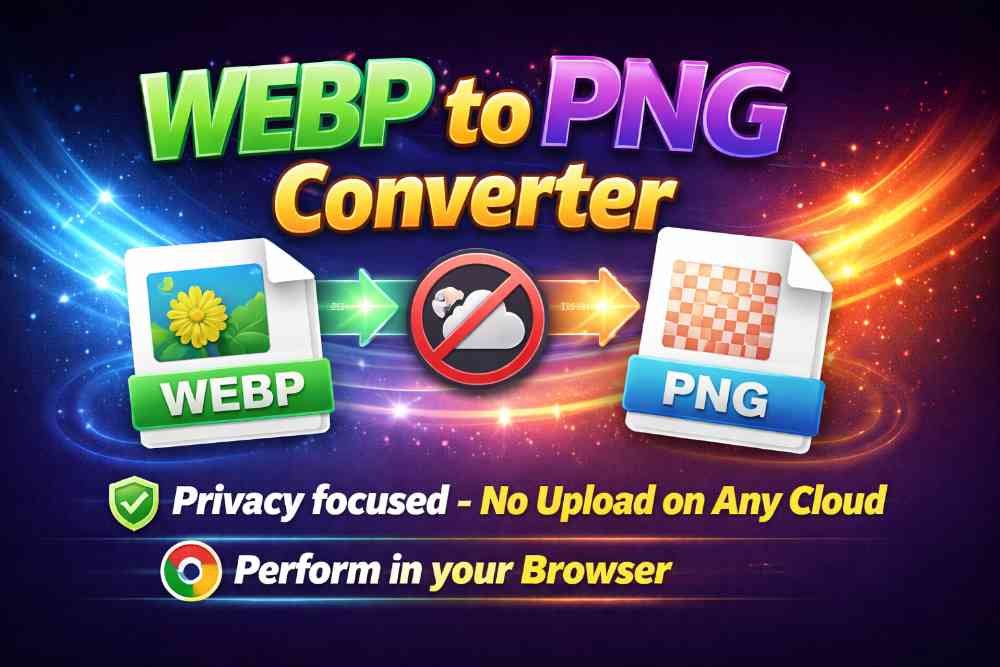
This online converter helps you turn any WEBP image into a high-quality PNG in just a few seconds. The process is simple, fast, and completely privacy-focused. Your image files never leave your browser, and nothing is uploaded to any external server. You get the convenience of an online tool with the safety and speed of local processing.
Privacy-Focused Conversion Directly in Your Browser
Many online converters send your images to a remote server for processing. That can be risky, especially if you are working with private, client, or confidential images. Our WEBP to PNG converter has been carefully designed to avoid this problem entirely.
All conversions happen directly inside your browser. We use modern web technologies so that your WEBP image is processed locally on your device. This means:
1. No uploads: Your file is never sent to our server.
2. No storage: We do not store, log, or save your images.
3. Full control: You stay in control of your files at all times.
4. More security: Ideal for sensitive, personal, or professional images.
If you care about privacy, this tool is built with you in mind. You get the benefits of an online interface without giving up control of your data.
Keep Original Quality – Lossless PNG Output
Quality matters, especially when images are used for design, printing, branding, or content creation. Some converters compress or downscale your images, which can result in blurriness, artifacts, or color changes. Our WEBP to PNG Image Converter Online is different.
The tool focuses on lossless conversion. That means:
- Your PNG keeps the same resolution as the original WEBP.
- Image sharpness, colors, and details are preserved.
- No extra compression is added during conversion.
- Transparency and alpha channels are maintained where applicable.
The output is a high-quality PNG that matches the original WEBP as closely as possible. For designers, developers, and content creators, this is crucial when you want to maintain a professional look and feel.
Why Convert WEBP to PNG?
Although WEBP is modern and efficient, there are many reasons you might want to convert it to PNG:
1. Better compatibility: Some older software, tools, and platforms still do not support WEBP, while PNG is universally accepted.
2. Image editing: Many editing tools handle PNG more smoothly, especially when working with layers, transparency, and effects.
3. Transparency: PNG is a standard choice for transparent images like logos, icons, and overlays.
4. Design workflows: Designers often prefer PNG for UI assets, mockups, and export to other formats.
5. Printing and sharing: Some printing services and social platforms work more reliably with PNG.
As AI image generators and modern sites keep producing images in WEBP, it becomes even more important to have a quick way to convert them whenever needed. Our tool fits perfectly into that workflow.
How to Use the WEBP to PNG Image Converter Online
The tool is designed to be extremely easy to use. You do not need any technical skills. Just follow these simple steps:
1. Select your WEBP image: Click on the file selection button and choose the WEBP image you want to convert from your device.
2. Click “Convert”: After selecting the file, press the convert button. The tool will process your image directly in your browser.
3. Wait a few seconds: In just a moment, the conversion will be completed. There is no upload delay because the file stays on your device.
4. Download your PNG: A download button will appear. Click it to save your new PNG file to your computer or phone.
5. Use and enjoy: Now you can edit, share, or use your PNG image anywhere you like.
The whole process usually takes only a few seconds, depending on the size of the image and the speed of your device.
Perfect for AI-Generated WEBP Images
Today, many AI tools generate artwork, portraits, logos, and graphics in WEBP format. While this is efficient for web use, it can be inconvenient when you want to edit those images further or integrate them into your design projects. Our converter is especially handy for this modern use case.
You can take any AI-generated WEBP image and turn it into a high-quality, lossless PNG with just one click. This gives you:
- A more flexible format for editing in tools like Photoshop, GIMP, Figma, or other editors.
- Better support for transparency when isolating objects or removing backgrounds.
- A reliable file format for long-term storage, projects, and client work.
Fast, Simple, and No Installation Required
Because everything runs in the browser, you do not need to install any software, plugins, or extensions. Just open the page, select your WEBP file, and convert. This makes our WEBP to PNG Image Converter Online perfect for:
- Users on shared or restricted systems where software installation is not allowed.
- Quick conversions on the go from a laptop, tablet, or phone.
- People who want a clean, simple interface without ads or clutter.
There are no complicated options, hidden settings, or confusing menus. The tool focuses on doing one thing very well: converting WEBP to PNG safely and at the best possible quality.
Start Converting Your WEBP Images to PNG Now
If you are tired of struggling with incompatible WEBP files or losing quality during conversion, our WEBP to PNG Image Converter Online is the solution. It is private, fast, and designed to preserve every detail of your images. Just select your WEBP file, click convert, download your PNG, and you are done.
Whether you are a designer, developer, content creator, or casual user, this tool fits seamlessly into your workflow. Try it once, and you will have an easy, secure way to handle WEBP images whenever you need them in PNG format.