GK Video Maker (Advanced) – Create AI GK MCQ Quiz Videos in Minutes
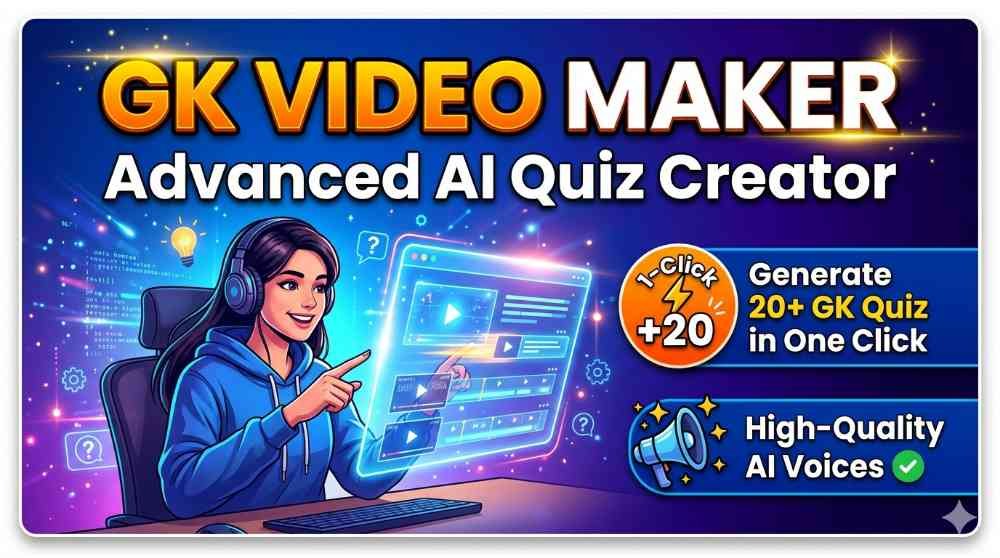
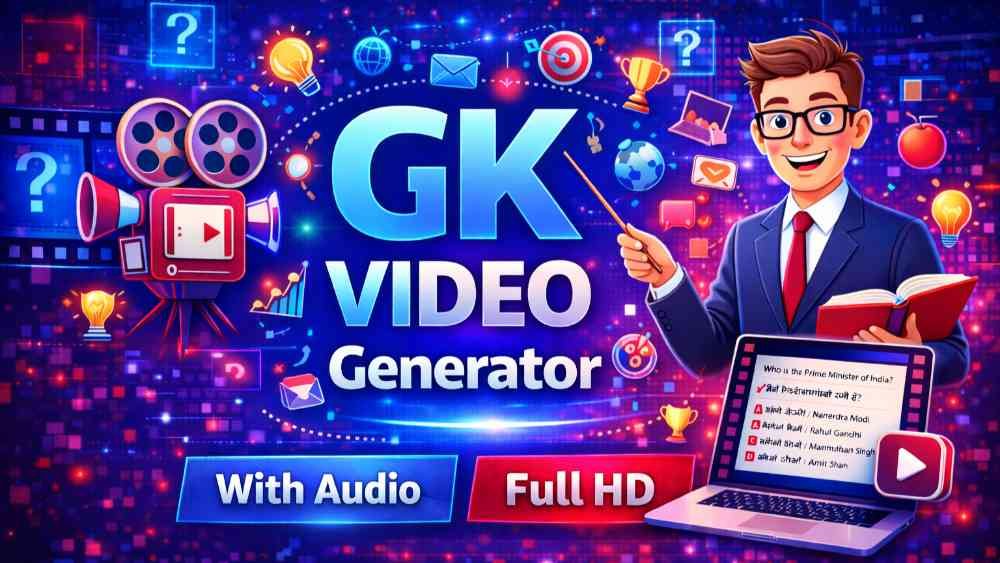
GK Video Maker (Advanced) | AI GK MCQ Quiz Video Maker is a powerful online tool that helps you create General Knowledge MCQ quiz videos quickly and easily. If you run a YouTube channel, educational page, or social media account focused on GK, current affairs, or competitive exam preparation, this tool can save you a lot of time. Instead of making every quiz video manually, you can generate 20+ GK quiz videos in one go with the help of AI and a simple interface.
Create GK Quiz Videos in Two Simple Ways
This advanced GK video maker gives you two flexible ways to add your quizzes: using the built-in UI form or using an AI-generated XML format. Both methods are designed for speed and control, so you can choose the style that works best for your workflow.
Method 1: Add GK Quizzes Using the UI
The first method is perfect for users who want full manual control over every question. Inside the tool, you get a clean and simple UI where you can add quizzes one by one:
You just type your question, add four options, choose the correct option, and then select an image for the question if you want visual support. After filling these details, you click on “Add Quiz”. Your quiz is now stored in the project. You can repeat this same process for as many GK questions as you like, building a complete quiz set tailored to your topic or difficulty level.
This UI-based entry is great when you already have your own question bank, or when you want to control the exact wording, language style, and images for each MCQ. It is especially useful for exam channels, school content, or niche topics where accuracy matters a lot.
Method 2: Add GK Quizzes Using AI XML
The second method is ideal for speed and automation: Insert using AI XML. Here, instead of typing each question manually, you let AI generate the quizzes for you in one batch. You simply click on “Insert XML” inside the tool. You will see a prompt format that you can copy and paste into any popular AI platform like ChatGPT, Grok, Gemini, or similar AI models.
Once you give that prompt to the AI, it will generate an XML structure containing multiple GK MCQs. You then copy the generated XML output and paste it into the XML box inside the GK Video Maker (Advanced). After that, you click on “Create”. The tool will automatically read that XML and generate a preview of all your quizzes.
This XML-based method lets you create large sets of GK questions in seconds. It is ideal when you want fresh, AI-generated quizzes regularly, such as daily GK, static GK, or mixed-topic quizzes for YouTube Shorts, Reels, or full-length videos.
Preview All Quizzes Before Generating the Video
Once your quizzes are added, either via the UI or via XML, the tool creates a clear preview of each question. You can scroll through all generated quizzes to check question quality, spelling, correctness, and overall flow. If you like what you see, you simply click on “Generate Video”.
This preview step is very important because it gives you full control. You can ensure that the MCQs are relevant, the correct options are accurate, and the language matches your audience. Only after you are satisfied, you move forward to video generation and download.
Generate and Download GK Quiz Videos Easily
After confirming your quizzes, you hit the “Generate Video” button. The tool then converts your GK questions and options into a complete MCQ video. Once the rendering is complete, you can download the final video file and upload it directly to YouTube, Instagram, Facebook, or any other platform.
This automation removes the need for manual video editing, slide creation, timing, and transitions. In just a few clicks, you have a professional-looking GK quiz video ready for your audience.
Hindi and English Audio Support
GK Video Maker (Advanced) also includes audio support to make your videos more engaging. The tool provides realistic Hindi and English audio voices that can read out the questions and options for you. This creates a more interactive experience for viewers, especially those who like to listen along rather than just read text on screen.
More voices and languages are planned to be added in the future, so your GK videos can sound even more natural and match different regional audiences as the tool evolves.
Customize Colors, Fonts, and Style
Design also matters for engagement, and this tool gives you control over visuals. You can adjust the background color of the GK quiz options, change font size, and tweak other style elements to match your brand or channel theme.
For example, if your channel uses a specific color palette, you can set the quiz option backgrounds to those colors. If you create content for mobile viewers, you can choose larger font sizes for better readability. These customizations help your videos look unique and professional instead of generic.
Perfect for YouTubers, Educators, and GK Creators
Whether you run a competitive exam channel, a school learning page, or a fun trivia account, GK Video Maker (Advanced) can transform your workflow. You can create daily GK quizzes, static GK series, topic-wise MCQs, and revision videos with minimal effort. The combination of AI-generated content, manual editing options, and automatic video creation makes it a powerful tool for content creators who want both speed and quality.
Premium Tool for Serious GK Video Creators
GK Video Maker (Advanced) is designed as a premium tool for creators who are serious about scaling their GK content. With features like 20+ quiz generation in one go, dual quiz input methods (UI and AI XML), realistic Hindi and English audio, and customizable design options, it offers a complete end-to-end solution for AI-powered GK MCQ quiz video creation. This is a premium tool.