



Create Devotional Videos Online with Ease
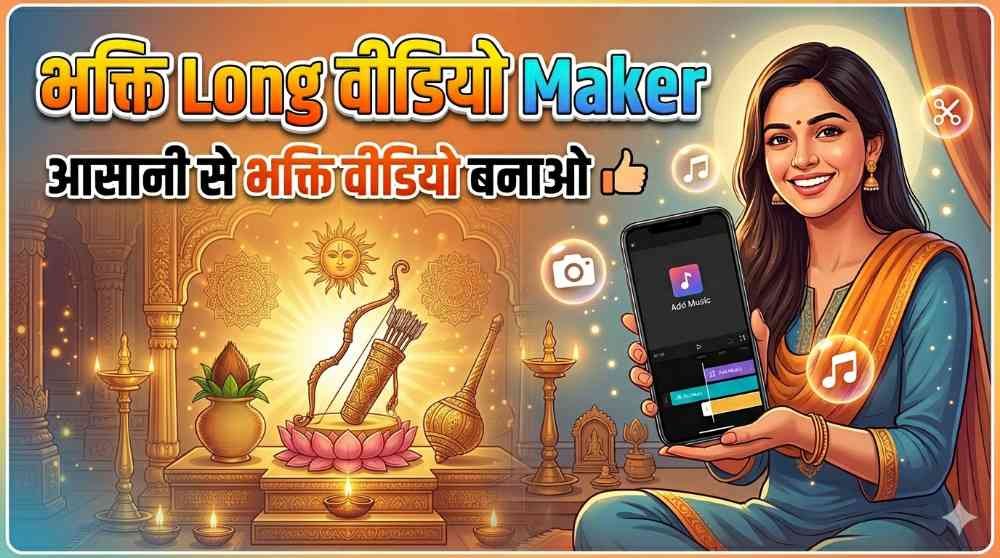
Bhakti Long Video Maker Online is a simple and useful online tool specially designed for people who want to create devotional style videos in Hindi without using complicated editing software. If you want to make bhakti katha videos, spiritual storytelling videos, devotional quote videos, or long-form religious content for YouTube and Facebook, this tool can help you do it quickly and easily. It is designed for users who want a smooth and beginner-friendly experience while creating professional-looking bhakti videos online.
What Is Bhakti Long Video Maker Online?
Bhakti Long Video Maker Online is an online app that allows users to generate devotional videos directly from their browser. You do not need advanced video editing knowledge to use it. The tool is specially made for Hindi language content, which makes it highly useful for creators who produce bhakti content for Indian audiences. With this tool, you can combine text, human-like voice, devotional images, transitions, captions, and audio settings to generate a complete video in just a short time.
Designed Specially for Hindi Devotional Content
One of the biggest advantages of this online tool is that it is specially designed for Hindi language users. Many creators make devotional stories, bhakti kathayein, religious explanations, and spiritual messages in Hindi. This tool supports that need by giving a simple process where you can write your devotional text in Hindi and convert it into a full video. If your audience watches bhakti videos in Hindi, this tool can become a very valuable part of your content creation journey.
Choose Real Human Style Text to Speech Voice
The first important step in making a devotional video is selecting the voice. In this tool, you can choose a text to speech voice that sounds natural and human-like. This feature helps your bhakti video feel more engaging and pleasant to hear. A devotional story becomes much more powerful when the narration sounds soft, clear, and expressive. Instead of recording your own voice manually, you can simply select the voice option and let the tool handle the narration for you.
Write Your Bhakti Story in the Story Box
After selecting the voice, you can enter your devotional content in the story box. Here, you can write bhakti katha, religious stories, spiritual messages, temple-related content, devotional explanations, or any Hindi text you want to convert into a video. This makes the process very easy for creators, because they only need to focus on writing the content while the tool converts it into a presentable video format. If you regularly create faith-based content, this feature can save a lot of time and effort.
Select 16:9 Images for Video Creation
Images play a very important role in devotional videos. This tool allows you to choose 16:9 images, which are ideal for platforms like YouTube and Facebook. You can upload or select devotional images related to gods, goddesses, temples, spiritual scenes, or any visual background that matches your story. When good images are combined with narration and captions, the final video looks more attractive and professional. This also helps in increasing viewer attention and watch time.
Add Smooth Transitions Between Images
To make your video more visually pleasing, the tool provides transition options. You can choose transitions between images so that the visuals change smoothly instead of switching abruptly. A devotional video should feel calm and graceful, and transitions help create that effect. Smooth movement between scenes gives the video a polished look and improves the overall viewing experience for your audience. It is a small feature, but it makes a big difference in video quality.
Adjust Audio Speed from Settings
Every creator has different requirements for narration speed. Some devotional stories sound better when spoken slowly and clearly, while others may need a slightly faster pace. With the audio settings in this tool, you can choose the speed that suits your content. This flexibility helps you create videos according to your audience’s preference. Proper speed also improves understanding, especially in long bhakti videos where clear narration is very important.
Enable Captions for Better Engagement
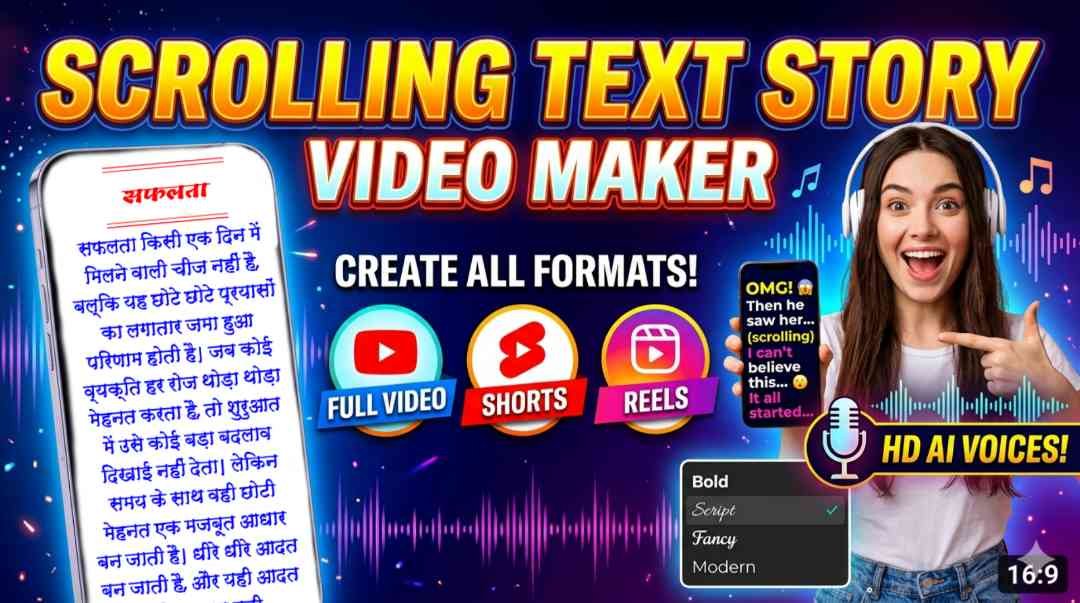
Captions are one of the most useful features in modern video creation, and this tool gives you full control over them. You can turn on captions so that viewers can read the devotional text while listening to the audio. This is especially helpful for users who prefer reading along or watching videos with low sound. Captions can improve engagement, increase watch time, and make your content more accessible to a wider audience.
Customize Caption Color, Font, and Background
Not only can you add captions, but you can also customize them according to your video style. The tool allows you to choose caption color, caption font, and caption background color. This means you can match the text design with the devotional mood of your content. A well-designed caption style makes the video more appealing and readable. Whether you want a traditional look, a clean simple design, or a colorful devotional style, you can adjust the appearance as needed.
Generate Your Final Bhakti Video in Minutes
Once you have selected the voice, entered the story, added images, chosen transitions, adjusted audio speed, and customized captions, you can generate the final video. The process is fast and convenient. In just a short time, your bhakti video with captions will be ready. This is ideal for creators who want to publish content regularly without spending hours on editing. The tool simplifies the entire workflow and helps you move from idea to final video quickly.
Download and Upload to YouTube and Facebook
After the video is generated, you can download it and upload it to platforms like YouTube and Facebook. This makes the tool useful not only for content creation but also for content publishing and growth. Devotional content has a strong audience on social media, and consistent uploads can help creators build a loyal following. Since the videos are made in a format suitable for online platforms, they can be shared easily and used for regular posting.
Monetize Your Devotional Content
Another great benefit of using Bhakti Long Video Maker Online is the opportunity to monetize your videos. By uploading devotional content to YouTube and Facebook, creators can grow their channels and pages and potentially earn money through monetization programs. If you create quality bhakti videos regularly, this tool can support your digital content journey and help you turn devotional storytelling into an online earning opportunity. It is a useful option for both beginners and experienced content creators.
Perfect for Beginners and Content Creators
This online app is a strong choice for anyone who wants to create Hindi devotional videos without technical difficulty. Whether you are a beginner, a YouTuber, a Facebook content creator, or someone who wants to share spiritual stories online, this tool gives you an easy and efficient solution. Its simple features, Hindi-focused design, caption support, human-style voice options, and quick generation process make it a practical platform for devotional video creation.
Enjoy Tool
Bhakti Long Video Maker Online is a helpful and smart solution for creating devotional videos in Hindi. From text to speech voice selection to story writing, image choosing, transition effects, caption customization, audio speed control, and final video generation, everything is available in one place. If you want to create bhakti videos online, save time, upload on YouTube and Facebook, and even monetize your content, this tool can be a very useful choice. It is simple, effective, and specially designed for Hindi devotional video creators.