
Normal Voice to Studio Voice Editor Online
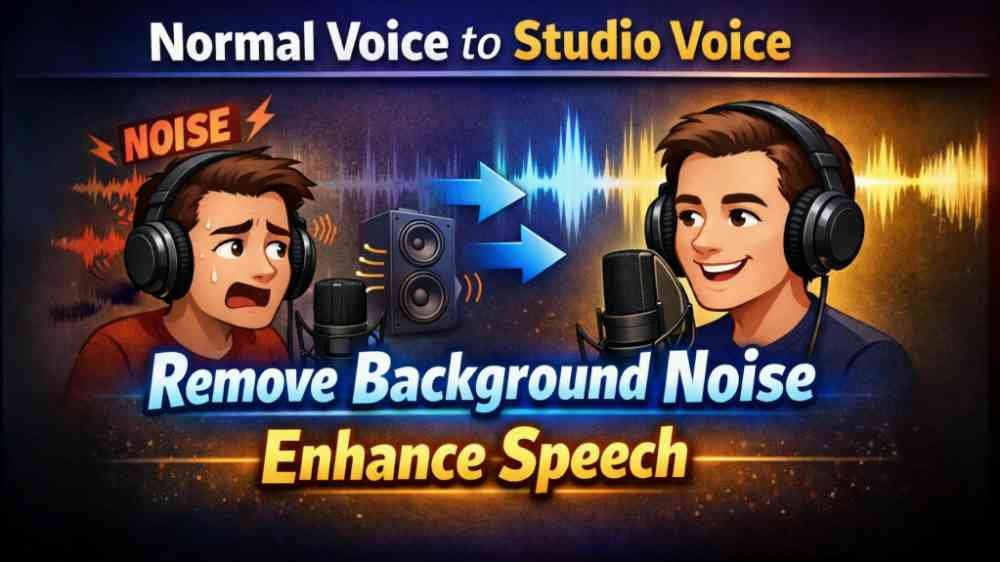
Normal Voice to Studio Voice Editor Online is a simple and useful tool for people who want to improve their audio quality without using complicated software. If you have a normal voice recording with background noise, unwanted sounds, or low clarity, this tool helps you make it cleaner and more professional. The main purpose of this editor is to remove background noise, enhance the voice, and give the final sound a more studio-style quality. It is designed for beginners as well as regular users who want fast and easy editing online.
Turn Simple Audio into Better Quality Sound
Many times, voice recordings are made in places where there is fan noise, traffic sound, room echo, or other unwanted background disturbance. Because of this, the voice does not sound clear or attractive. With this online editor, users can upload their audio or video file and try to improve the voice quality in just a few steps. The tool works to reduce background noise and correct the voice so it sounds more clean, focused, and enhanced. This makes the final output more suitable for content creation, voiceovers, reels, podcasts, presentations, and personal recordings.
Supports Audio and Video Files
This tool supports multiple popular file formats, which makes it convenient for different kinds of users. You can upload MP3 files for audio editing, WAV files for better quality sound processing, and MP4 files if your voice is inside a video. This means you do not need separate software just to extract or improve voice manually. Simply select your file and start editing it online. The support for both audio and video files makes the tool flexible and practical for creators, students, professionals, and social media users.
Simple and Easy to Use
One of the best things about this tool is its simple process. You do not need any expert knowledge in sound engineering or editing. The steps are fast and easy, which makes the tool suitable even for first-time users. First, just select your file from your device. After that, choose the settings according to your needs. The tool provides useful options like background voice remover settings, voice enhancer, pass filter, and volume adjustment. Once your settings are selected, you can save the file after processing. This clean and direct workflow saves time and effort.
Background Noise Removal Feature
The background noise remover is one of the main features of this tool. If your recording contains unwanted sounds from the environment, this option tries to reduce those disturbances and bring more attention to the main voice. It is especially useful for recordings made at home, outside, in offices, or in places where total silence is not possible. By lowering background noise, the voice becomes easier to understand and sounds more polished. This feature is helpful for creators who want cleaner audio without doing heavy manual editing.
Voice Enhancer for Better Clarity
After reducing noise, the next important step is improving the voice itself. The voice enhancer setting helps make the speech clearer and stronger. It tries to improve vocal quality so the final result feels more refined and studio-like. This can be useful when the original recording sounds flat, weak, or slightly muffled. The enhancer works to give the voice better presence and more balanced output. For users who want their content to sound more professional, this feature adds great value.
Enable Pass Filter for Cleaner Output
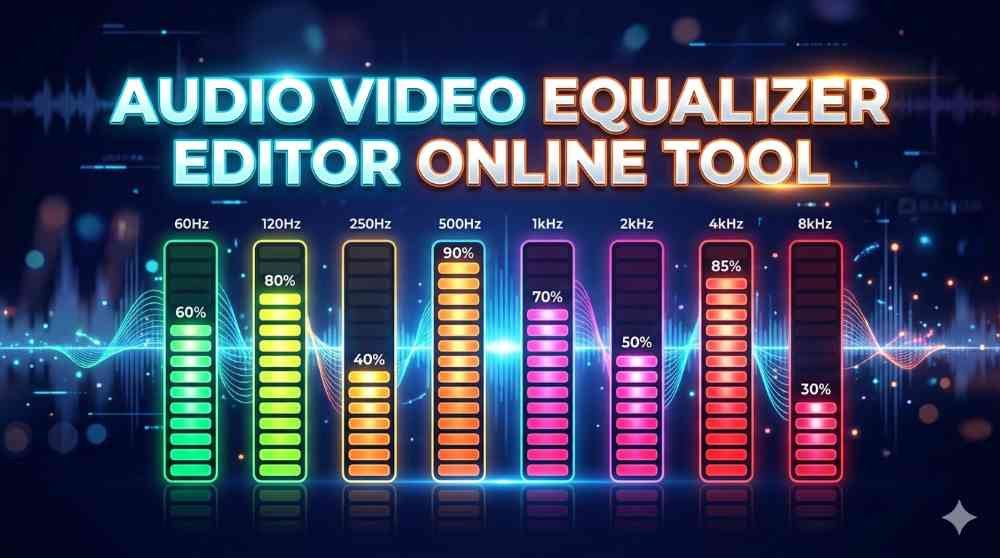
The pass filter option is another useful setting available in this editor. Filters are often used in audio processing to remove unnecessary frequency ranges and improve clarity. When you enable the pass filter, the tool attempts to clean the sound further and help the voice stand out better. This is especially useful when low-frequency hum or some distracting sound affects the recording. By applying the right filter, the overall result can sound smoother and more focused. It is a simple option, but it can make a noticeable difference in final quality.
Volume Adjustment Option
Sometimes a recording is too low, and even after noise removal and enhancement, the audio still needs a better volume level. This is why the volume control option is important. With the volume setting, you can adjust the loudness of your file before saving it. This helps make your final output more balanced and suitable for listening on phones, speakers, earphones, or online platforms. Proper volume adjustment is especially useful for users creating videos, tutorials, interviews, or voice messages that need better audibility.
1 Minute Preview Option
This tool also includes a 1-minute preview checkbox feature. If you want to check the result before processing the full file, you can enable this option. It allows you to preview only one minute of the edited audio so you can understand how the changes will sound. This is a useful feature because it saves time and lets you test different settings before finalizing the full output. If you are unsure about the noise remover level, voice enhancer effect, or filter choice, the preview option can help you make a better decision.
Fast and Easy Online Editing Experience
The entire editing experience is built to be fast and easy. Users do not have to deal with complicated software installation or advanced editing timelines. Everything is designed in a straightforward way so you can complete your work with less effort. Just upload the file, choose the settings, preview if needed, adjust volume, and save the result. This makes the tool ideal for users who want quick improvements without spending too much time learning technical editing methods. It is an efficient solution for daily voice cleanup and enhancement tasks.
Useful for Many Types of Users
This online tool can be useful for many different people. Content creators can use it for cleaner voiceovers. Students can improve project presentations and recorded assignments. Professionals can enhance meeting clips, training audios, and spoken explanations. Social media users can make their videos sound better. Even casual users can improve family recordings, personal messages, or simple audio files. Because the tool is easy to use and supports common formats, it can fit many everyday needs.
Enjoy Tool
Normal Voice to Studio Voice Editor Online is a practical solution for anyone who wants to improve audio quality quickly and easily. It helps remove background noise, enhance the voice, apply useful filters, and adjust volume for a better final result. With support for MP3, MP4, and WAV files, this tool is flexible for both audio and video editing needs. The 1-minute preview option adds extra convenience, while the simple process makes it accessible for all types of users. If you are looking for a fast and easy online editor to convert normal voice into cleaner, studio-style sound, this tool can be a very helpful choice.