Facebook Image Challenge Puzzle Video Creator – Make Viral Reels in Seconds
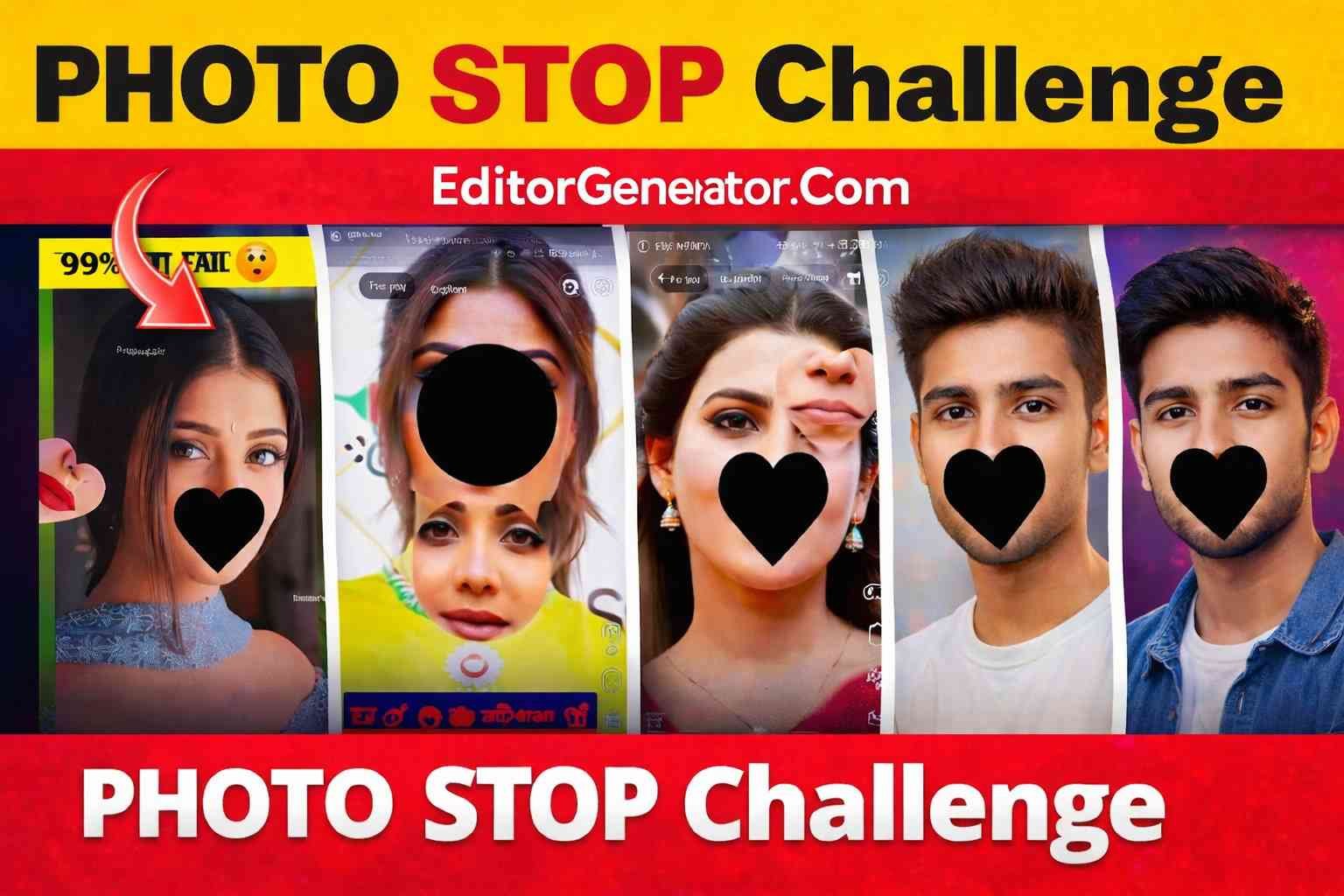
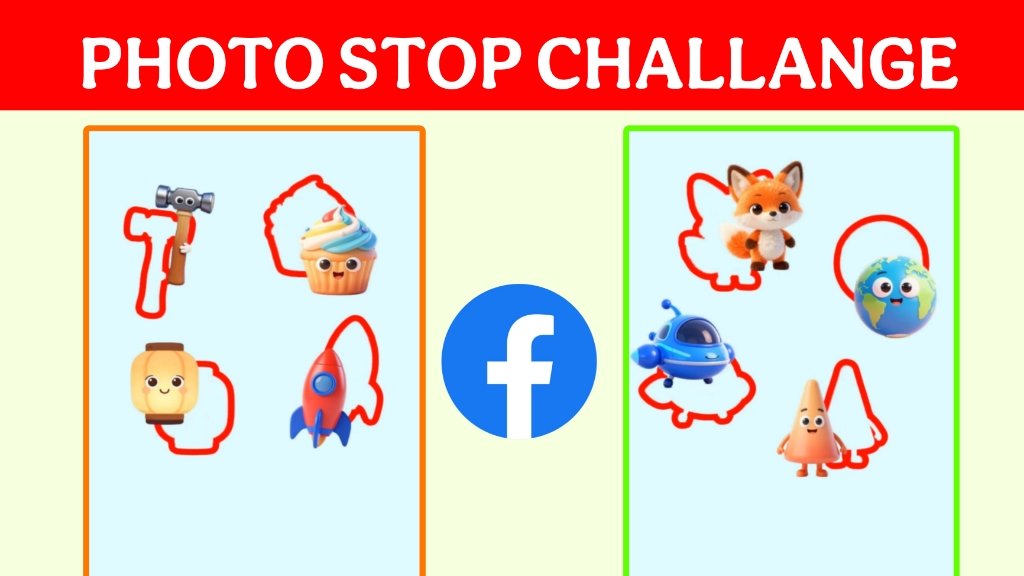
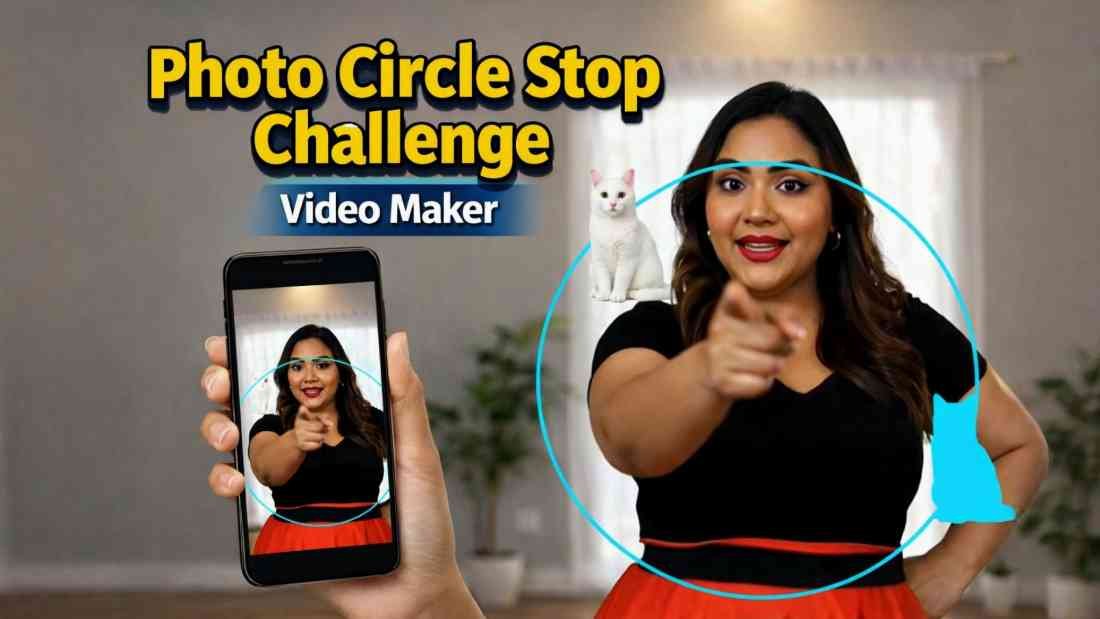
If you use Facebook and watch short videos or Reels, you must have seen those fun “photo stop challenge” videos. In these videos, one part of the image moves or floats around the screen. The viewer has to tap or stop the video exactly when the floating piece reaches its correct real position. These videos are simple to watch but very addictive – and they get a lot of views, likes, and comments.
The problem is that creating these challenge videos manually is usually very difficult and time‑consuming. You need video editing skills, special software, and a lot of patience just to make one small challenge clip. That is exactly why we created the Facebook Image Challenge Puzzle Video Creator – a one‑click online tool that lets you create these popular challenge videos in just a few seconds.
What Is the Photo Stop Challenge Video Creator?
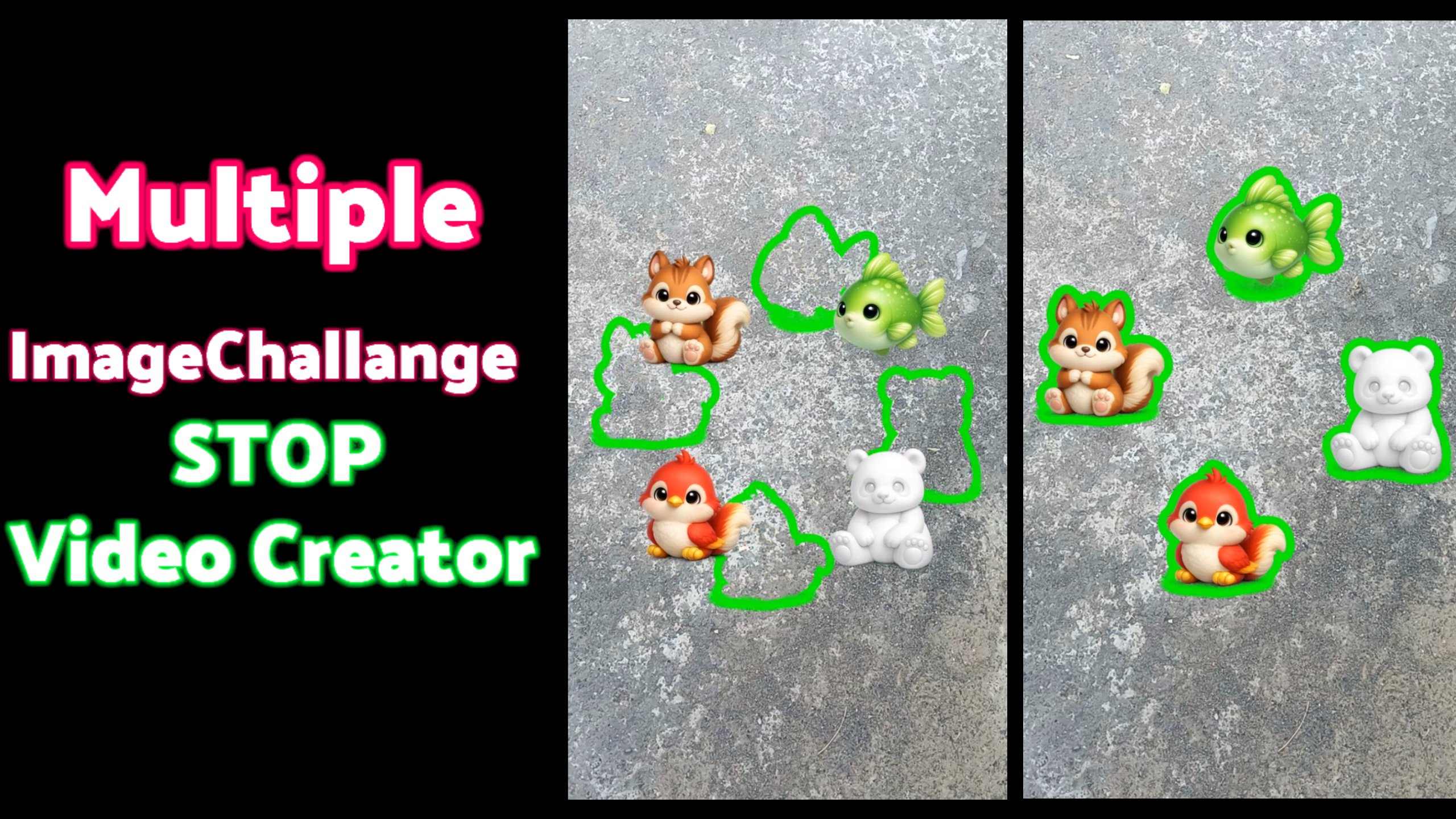
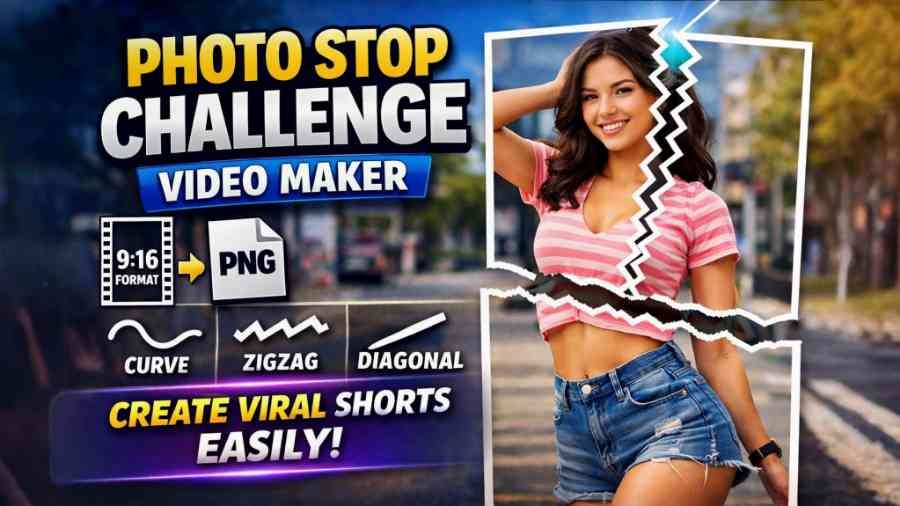
Our online tool is a Facebook Image Challenge Puzzle Video Creator. It turns any normal image into an engaging puzzle video. In the generated video, a cut‑out portion of your image will start floating or moving around on top of the full picture. The player’s task is to stop the video at the exact moment when the floating piece is placed correctly over its original position.
With our generator, you do not need any editing skills. You just upload your image, adjust a few simple options, and click once. In a few seconds, your ready‑to‑use Facebook Reel or short video is generated. You can download it and post it directly on Facebook or any other social platform that supports vertical short videos.
Why These Puzzle Videos Are So Popular on Facebook
The reason these challenge videos work so well is that they combine game + video + timing. The viewer is not just watching passively. They are trying to win a mini game: stop the clip at the perfect frame. This small challenge creates curiosity, tension, and excitement.
Every time they miss the correct position, they replay the video. This leads to higher watch time, more replays, more comments (“I stopped at 0:02!”, “I got it perfect!”), and better engagement. Facebook’s algorithm loves content that keeps people watching and interacting, so these videos often get pushed to more users and can go viral very quickly.
Key Features of Our Facebook Image Challenge Puzzle Video Creator
Our tool is designed for simplicity and speed, but still gives you enough control to customize your challenge. Here are some of the main features you can expect:
1. One‑Click Video Generation – Choose your image, press one button, and our tool automatically generates the challenge video. No timelines, no layers, no complex effects.
2. Smart Floating Piece – The tool takes a portion of your image and animates it so that it floats or moves around over the full background. This creates the core “stop at the correct place” puzzle effect.
3. Perfect for Facebook Reels – The output video is created in a format that works great as a Facebook Reel or short video post, so you can publish it immediately without conversion.
4. Customizable Difficulty – You can choose how fast the floating part moves or how big that piece is. Faster speed or smaller piece means a harder challenge; slower movement or bigger piece makes it easier.
5. No Editing Skills Required – Even if you have never opened a video editor, you can still make professional‑looking challenge clips using this online generator.
6. Works in Your Browser – There is nothing to install. Just open the tool in your browser, upload your photo, and in a few seconds your video is ready.
How to Use the Tool Step by Step
Using the Facebook Image Challenge Puzzle Video Creator is simple. You can create your first video in less than a minute:
1. Select Your Image – Pick any clear and interesting image from your device. It can be a selfie, a product photo, a travel picture, a meme, or anything else you want to turn into a game.
2. Upload the Image to the Tool – Click on the upload button and select your image file. The tool will load it and show you a quick preview.
3. Choose Your Settings – Depending on the options available, you can:
– Select which part of the image will float (for example, a face, an object, or a logo)
– Choose movement speed or style
– Adjust the duration of the video
4. Generate the Video – Press the generate or create button. The tool will process your image and automatically build the full challenge video for you.
5. Download and Share on Facebook – Once the video is ready, download it to your device and upload it as a Facebook Reel or normal video post. Add a catchy caption like “Can you stop it at the perfect spot?” and invite people to play.
Content Ideas for Your Image Challenge Videos
You can use this generator for many types of content:
– Personal Fun – Use your selfies, pet photos, or family pictures. Let your friends try to stop the moving face or object in the correct place.
– Business and Marketing – Use product photos, brand logos, or store images. Turn them into mini‑games to promote your brand in an engaging way.
– Educational Content – Teachers or creators can make puzzle videos with maps, shapes, or objects that students have to match correctly.
– Challenges and Competitions – Ask your followers to record their screen and share proof that they stopped at the perfect frame. You can even offer small prizes to winners.
Why Use This Generator Instead of Manual Editing?
Creating the same type of video using traditional video editing tools can take a lot of time. You would need to cut out part of the image, keyframe its movement, align positions, export in the right format, and repeat this process for every new video. For most people, this is too complex.
Our Facebook Image Challenge Puzzle Video Creator makes the whole process automatic. You save time, avoid frustration, and still get videos that look clean and professional. In just a few seconds, you can produce multiple challenge clips and test which ones perform best on your Facebook page.
Start Making Viral Facebook Challenge Videos Today
If you want more engagement, more watch time, and more fun on your Facebook profile or page, these image puzzle challenge videos are a powerful option. With our online Photo Stop Challenge Video Creator, you no longer need advanced editing knowledge. Just select your image, click once, and your reel‑ready video is created automatically.
Try turning a few of your favorite pictures into challenge videos and see how your audience reacts. Because the process is so quick, you can experiment with many ideas until you find the perfect style that your viewers love. All it takes is one creative image and a few seconds with our generator tool to create the next viral Facebook challenge.