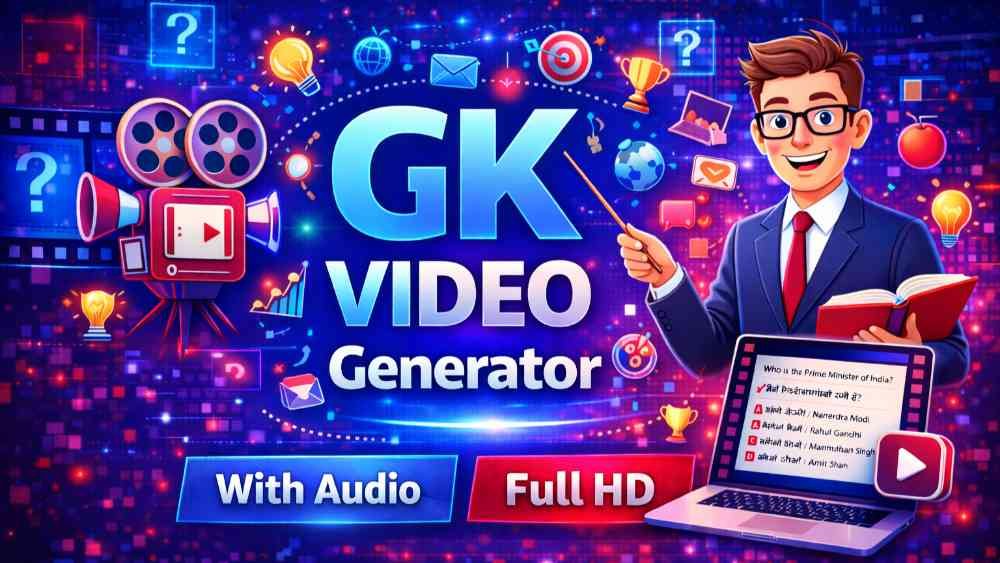
GK Questions Video Maker & MCQ Quiz Video Generator Online
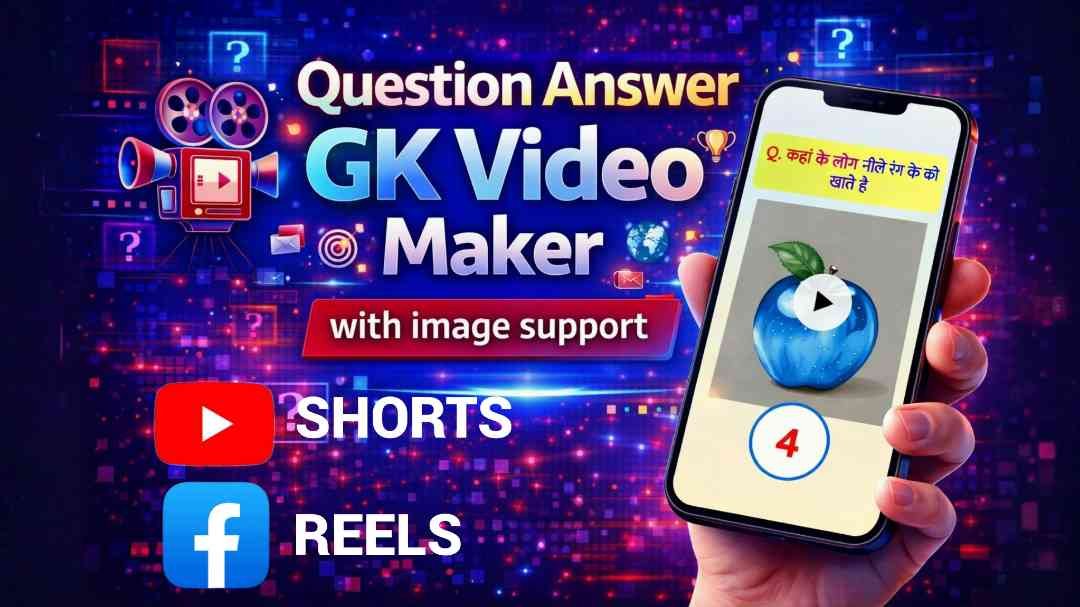
If you want to create viral multiple choice question (MCQ) videos for YouTube Long video 16:9, Facebook, Instagram Videos, this GK Questions Video Maker | MCQ Quiz Video Generator is the perfect online tool for you. It allows you to quickly convert your General Knowledge questions into attractive quiz videos with images, colors, and professional voice. The tool is designed to be simple enough for beginners, yet powerful enough for serious content creators.
With this tool, you don’t need video editing software or technical knowledge. Just prepare your questions and options, select a few settings, and your GK quiz video will be ready in minutes. It is ideal for teachers, YouTubers, education channels, and anyone who wants to grow their audience with engaging quiz content.
How the GK Questions Video Maker Works
The working process of this MCQ Quiz Video Generator is very straightforward. Everything happens step by step in your browser:
First, you choose your language. This means you can create quiz videos not only in English but also in your own regional language, depending on the options available in the tool. After selecting the language, you pick the voice model. The voice model is the style or type of voice that will read out your questions and options in the video. This helps give your quiz a professional and engaging feel.
Next, you can set up the basic color settings. This includes things like:
– Question text color
– Options text color
– Background color
– Highlight colors for correct answers or headings
These color settings are optional and are available under the “Additional Settings” section. If you don’t want to customize, you can simply skip them and use default styles. But if you are building a brand or want a unique look, these color options are very useful.
Adding Questions, Options, and Correct Answers
Once your basic setup is complete, you move to the most important part: entering your GK questions. For each question, the interface gives you fields to type:
– The main question text
– Option A
– Option B
– Option C
– Option D
After you type all four options, you must mark the correct answer by ticking/checking the correct option. This tells the tool which answer should be shown as correct in the final video. The tool is designed to handle one question–answer set at a time, so every generation focuses on a single, clean, high-quality quiz slide or segment.
Using Image Icons with Your Questions
One of the unique features of this GK Questions Video Maker is the ability to add a small image icon on the right side of the question. This could be:
– A relevant symbol or logo
– A small picture related to the question topic
– A simple illustrative graphic
This visual touch makes your quiz videos more eye-catching and helps them stand out in social media feeds. For example, if the question is about geography, you can use a globe icon; for science, a flask or atom icon; for sports, a ball or trophy. These small details increase viewer engagement and can improve click-through rates on platforms like YouTube and Facebook.
Preview and Final Video Generation
After entering your question, options, correct answer, and any optional color or image settings, you click on the Generate button. The tool will then create a small image or video preview of how your GK quiz slide will look.
This preview step is very important because it lets you:
– Check whether the colors look good
– Confirm the text is readable
– Verify that the correct option is highlighted properly
– Ensure the image icon is placed correctly on the right side
If you like the preview, you simply click on Final Generate. Within a few minutes, the tool will generate your complete GK question video file, ready to download and upload to your social media platforms. The process is designed to be fast, so you can create multiple question videos in a short period.
Why This MCQ Quiz Video Generator Is Useful
This online tool is especially useful for people who want to grow their YouTube or Facebook career. Quiz and GK videos are highly shareable and often go viral because:
– Viewers love to test their knowledge
– Single 16:9 Long MCQ videos are perfect for reels and Long
– Educational content builds trust and authority
– Interactive questions increase watch time and engagement
By using the GK Questions Video Maker, you can maintain a consistent posting schedule without spending hours learning complex video editing software. All the heavy lifting – design, voice, layout – is handled for you. You simply focus on writing good questions.
Best Use Cases and Content Ideas
You can use this GK quiz generator in many creative ways:
– General knowledge quizzes for students
– Competitive exam MCQs (SSC, UPSC, banking, etc.)
– History, geography, science, or current affairs questions
– Daily “Question of the Day” series for your channel
– Fun trivia quizzes for entertainment pages
Since each generation handles one question–answer set, you can combine multiple generated clips later (if you want) into a longer video, or simply post them individually as short-form content. This flexibility allows you to experiment with different formats and see what performs best with your audience.
BR GK Study Jaisa Video Kaise Banaye
use our tool to generate MCQ video general knowledge video like BR GK study.
The GK Questions Video Maker | MCQ Quiz Video Generator gives you a simple, efficient way to create professional-looking MCQ quiz videos with voice, colors, and images – all from your browser. Just select your language and voice model, optionally customize your colors, type your question and four options, tick the correct answer, preview, and then generate the final video. It is easy to use, beginner-friendly, and a powerful asset for anyone building an educational or quiz-based presence on YouTube, Facebook, and other platforms.
Copyright Fee
All Video Created By This Tool is Yours. there is no Copyright issue. You Can Upload on YouTube, Facebook, Instagram or where you want. You can monetize. Its Yours Now. Dont worry. If you provide credit we appreciate it. But credit is optional. Make sure you use own/copyright free images/voice/model/editing.