
Image Crop 16:9 Aspect Ratio – Simple, Private & Browser-Based
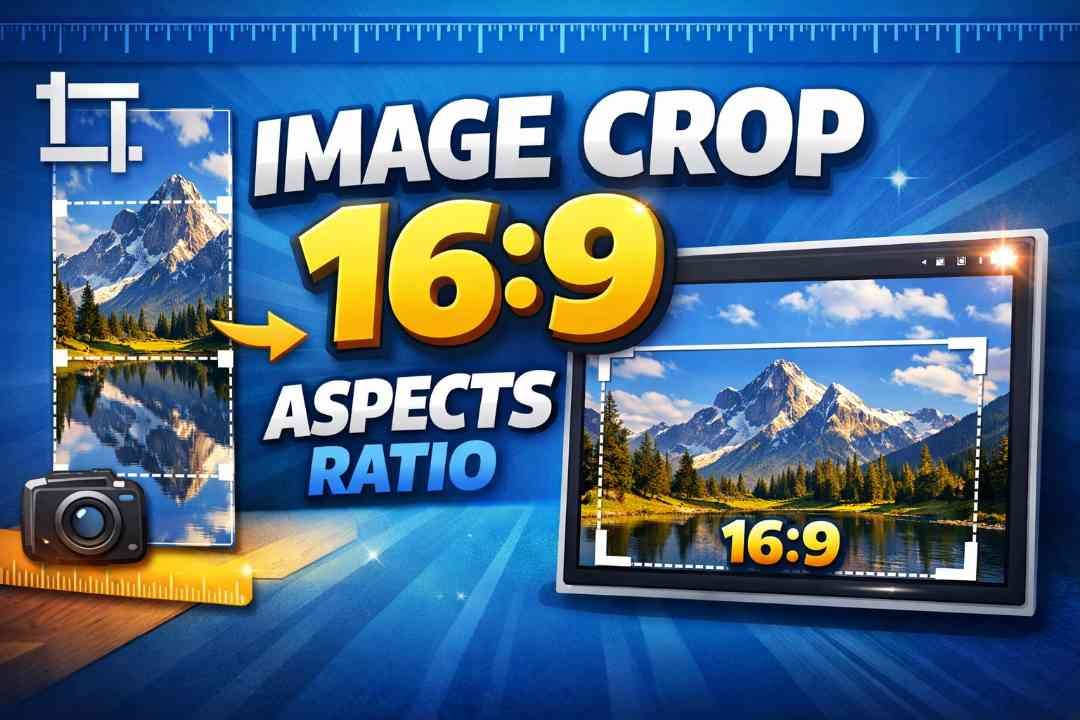
If you work with images for social media, videos, presentations, or websites, you already know how important the right aspect ratio is. One of the most popular and widely used aspect ratios today is 16:9. It is the standard for YouTube thumbnails, modern displays, slideshows, and many social platforms. To make this process effortless, our online tool “Image Crop 16:9 Aspect Ratio” helps you crop any image quickly and accurately – directly in your browser.
This tool is designed to be simple, fast, and privacy friendly. There is no need to upload your images to any server. Everything happens right in your browser, which means your images stay completely on your device. Whether you are a content creator, designer, student, or just someone adjusting a photo for personal use, this tool makes 16:9 cropping easy and secure.
What Is 16:9 Aspect Ratio and Why Is It Important?
The aspect ratio of an image describes the relationship between its width and height. A ratio of 16:9 means the width is 16 units and the height is 9 units. This rectangular format has become the modern standard for:
– YouTube videos and thumbnails
– HD and Full HD screens (televisions, laptops, monitors)
– Presentation slides in tools like PowerPoint and Google Slides
– Social media posts and cover images on many platforms
If your image is not in 16:9, it may appear stretched, cropped awkwardly, or show black bars on the sides. Using a dedicated Image Crop 16:9 tool helps you create perfectly sized images that fit these displays without distortion or unwanted borders.
How the Image Crop 16:9 Tool Works
Our online tool is made to be as straightforward as possible. There are no complicated settings, no sign-up forms, and no accounts. You just:
1. Select your image from your computer or device.
2. The tool opens it instantly in your browser – no upload to any server.
3. A 16:9 crop frame appears on top of your image.
4. Drag and resize the crop area to select exactly the part of the image you want to keep, always locked to 16:9.
5. When you are satisfied, click to crop and download the final result.
Because the aspect ratio is fixed to 16:9, you do not need to calculate dimensions manually. The tool handles the math in the background, and you only have to focus on composition and positioning.
No Upload Needed – Privacy-Focused and Secure
One of the biggest advantages of this Image Crop 16:9 tool is its privacy-first design. Many online editors upload your image to a remote server for processing. That can be risky, especially if you are working with personal photos, client work, internal company graphics, or copyrighted material.
Our tool uses browser-based processing. This means:
– Your image is never sent to a server.
– All cropping happens locally in your browser memory.
– After you close the tab, the tool has no access to your file.
– No background storage, no hidden uploads, and no tracking of your images.
This approach gives you the convenience of an online tool with the security of working offline. It is ideal for users who are concerned about privacy or work with sensitive visuals.
Key Features of the Image Crop 16:9 Tool
This image cropper focuses on doing one thing extremely well: cropping images to a perfect 16:9 aspect ratio. Some of the main features include:
– Exact 16:9 cropping for consistent results every time.
– No installation or plugins required – runs in your browser.
– Instant preview of your cropped area as you move and adjust the frame.
– High-quality output that preserves image clarity and detail.
– Support for common formats like JPG, PNG, and others supported by modern browsers.
– Touch and mouse friendly interface for both desktop and mobile devices.
The interface is clean and distraction-free, so you can concentrate on getting the crop exactly right without navigating through complex menus or ads.
Who Can Benefit from a 16:9 Image Crop Tool?
This tool is helpful for a wide range of users who need quick, precise image adjustments:
– YouTubers and video creators preparing thumbnails and banners.
– Teachers and students who need images for 16:9 presentations and slides.
– Designers and marketers optimizing visuals for web and ads.
– Developers creating UI mockups or app screenshots.
– Everyday users cropping photos for wallpapers, TV displays, or social profiles.
Instead of opening a heavy desktop editor or struggling with confusing settings, you can simply open this tool, select your image, crop to 16:9, and you are done within seconds.
Why Use This Tool Instead of Other Editors?
General image editors are powerful, but they are often more complex than needed for a simple crop. This tool is focused on:
– Speed: load, crop, download – in just a few clicks.
– Simplicity: only the options you actually need for 16:9 cropping.
– Accuracy: no guessing; your output is always exactly 16:9.
– Privacy: all processing stays on your device with no uploads.
If your goal is simply to get a clean, professional 16:9 image, this tool gives you a direct path with minimum friction.
Start Cropping to 16:9 in Your Browser
The Image Crop 16:9 Aspect Ratio tool combines ease of use, strict privacy, and reliable results. You do not need to register, you do not need to upload, and you do not need any special software. Just open the tool in your browser, select your image, and crop.
Whenever you need a fast, clean, and perfectly sized 16:9 image – for video, slides, social media, or screens – this browser-based, privacy-focused crop tool is ready to help you within seconds.