Create High-Quality MCQ PDFs from XML (With Watermark + Front/Last Pages) – PDF by XML Tool (EditorGenerator.Com)
If you create MCQ quizzes for students, coaching classes, YouTube PDFs, or exam practice sheets, you already know the biggest headache: formatting. Copy-paste into Word, fixing alignment, adding page numbers, and making it look “book-like” takes more time than writing questions.
That’s exactly why I built PDF by XML – EditorGenerator.Com: a simple web tool that converts your quiz XML into a clean, professional, high-quality PDF in seconds.
What is “PDF by XML” Tool?
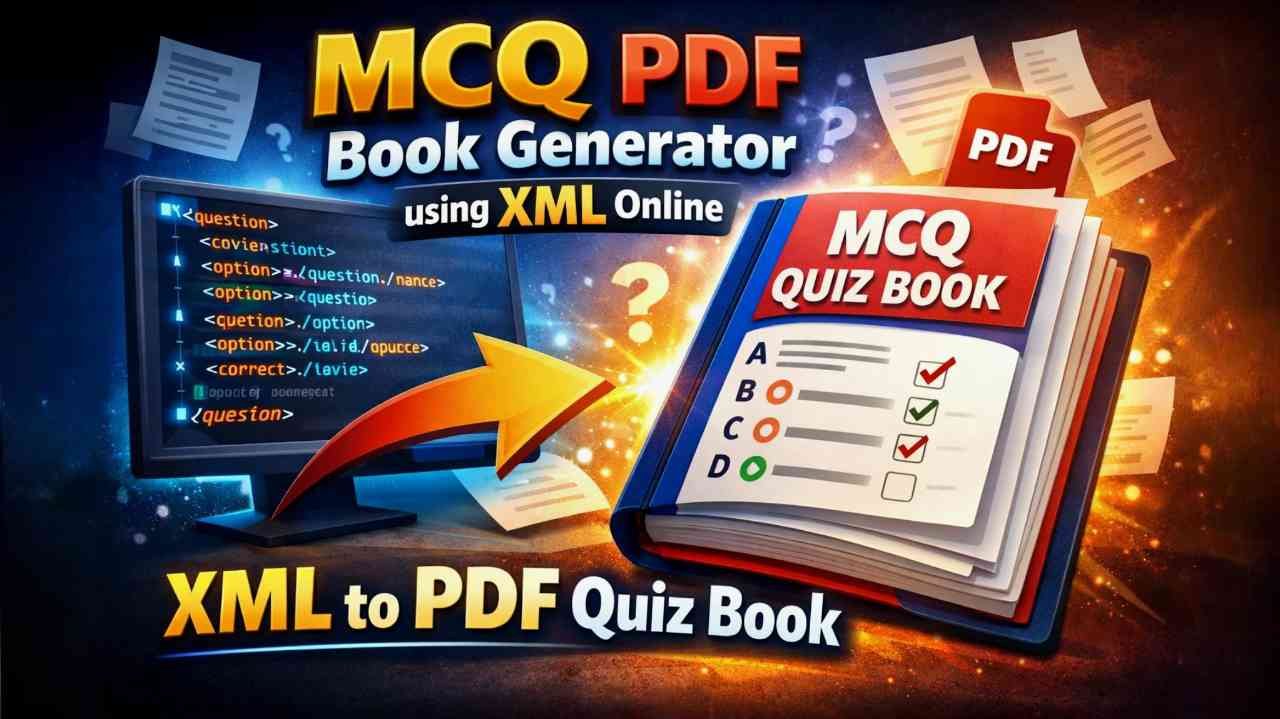
PDF by XML is an online tool that takes MCQ questions written in a structured XML format and generates a print-ready PDF with a neat layout, proper spacing, and consistent styling.
It’s designed for anyone who makes:
- Practice sets for SSC, Railway, UPSC, NDA, Police exams
- School/college worksheets
- Coaching notes and PDF bundles
- Quiz PDFs for Telegram/WhatsApp groups
- Science discovery MCQs, GK sets, and more
Why This Tool is Useful
1) Proper Book-Style Layout
The PDF is generated with real worksheet spacing—margins, structured blocks, and clean readability—so it looks like a professionally designed book page.
2) Smart Question Flow
Questions automatically fit on pages based on their size:
- If a question is short, more questions fit on a page
- If a question/explanation is long, it moves to the next page
No manual adjustments needed.
3) Dual Column or Single Column
By default, you can generate PDFs in Dual Column mode so more questions fit on each page. You can also switch to Single Column when you want larger, more spacious formatting.
4) Watermark (Diagonal, Low Opacity)
Add a large diagonal watermark (like your brand name, batch name, or channel name) with adjustable opacity. It stays subtle and professional.
5) Front Pages + Last Pages
Want a cover page? Instructions page? Branding page? Upload:
- Up to 5 front pages
- Up to 2 last pages
These images automatically become extra pages in the PDF before/after your questions.
6) Color Customization
Inside “Additional Settings”, you can control:
- Question text color
- Option text color
- Explanation text color
- Border / footer line color
So you can match your PDF style to your branding.
7) High Quality Output
The tool generates PDF in high quality so the final result stays sharp and readable (no cheap blurry export).
How It Works (Simple Steps)
- Click Copy XML Generation Prompt
- Use that prompt in any AI (or write your XML manually)
- Paste the XML into the tool
- Choose Dual Column / Single Column
- (Optional) Add watermark + upload front/last pages
- Click Generate PDF + Preview
- Download your PDF with a timestamped file name
XML Format (Quick Idea)
The tool expects a <quiz> root with <question> nodes and A/B/C/D options.
Even if you don’t want to type XML manually, the built-in prompt copy button helps you generate it easily.
Best Use Cases
This tool is perfect for:
- Coaching centers creating daily PDF practice sets
- Teachers generating worksheets quickly
- Content creators distributing branded MCQ PDFs
- Anyone selling PDF bundles on Telegram/Website
- Exam aspirants making self-study sets
If your goal is to create clean MCQ PDFs faster, without spending hours in formatting, then PDF by XML – EditorGenerator.Com will save you a lot of time.
It’s simple, customizable, and designed for practical exam-style PDFs — with watermark, book margins, and optional cover pages.
Try it Now
Generate your first PDF in under a minute. If you create exam content regularly, this tool can become your daily workflow.
Tags: MCQ PDF Generator, XML to PDF, Coaching PDF Tool, Exam Practice PDF, EditorGenerator.Com
Category Suggestion: Education Tools / Online Tools / Productivity