
Photo Stop Challenge Video Maker
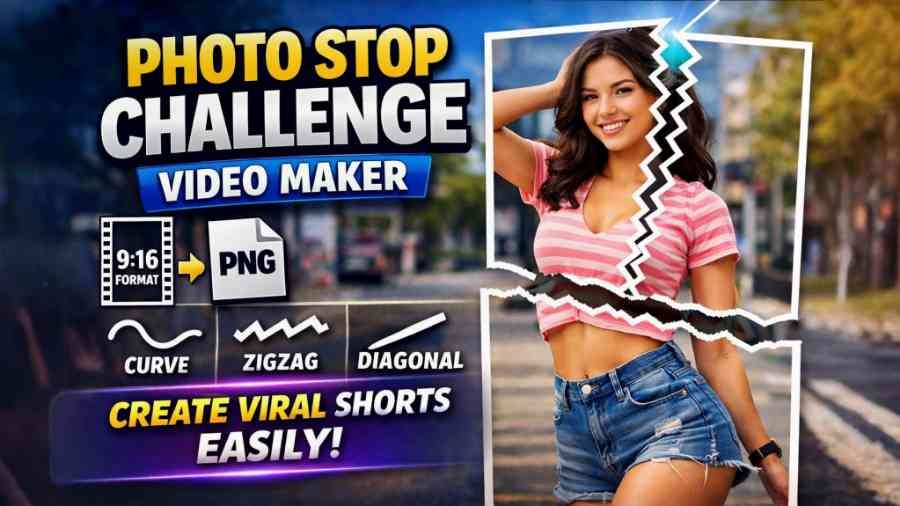
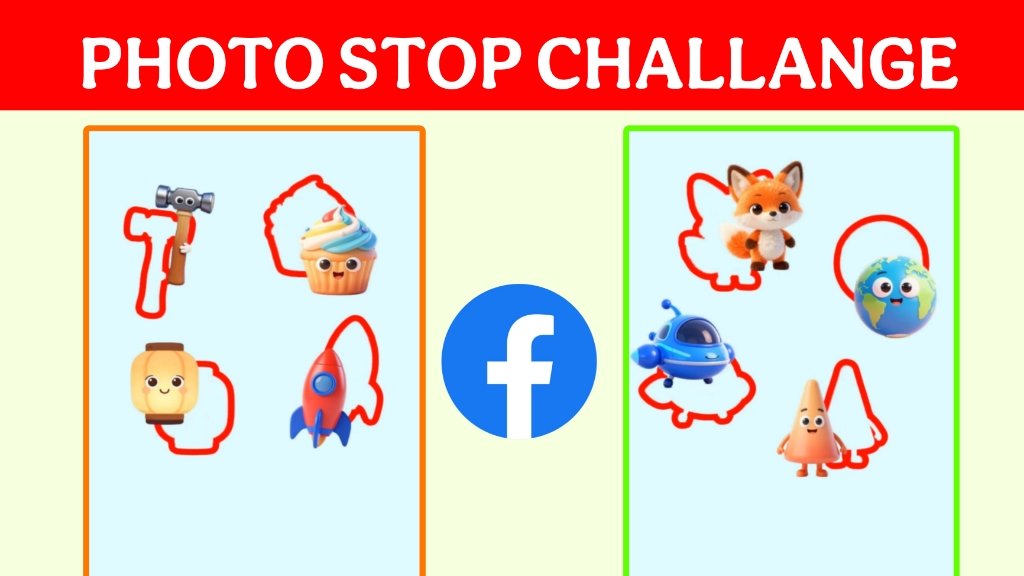
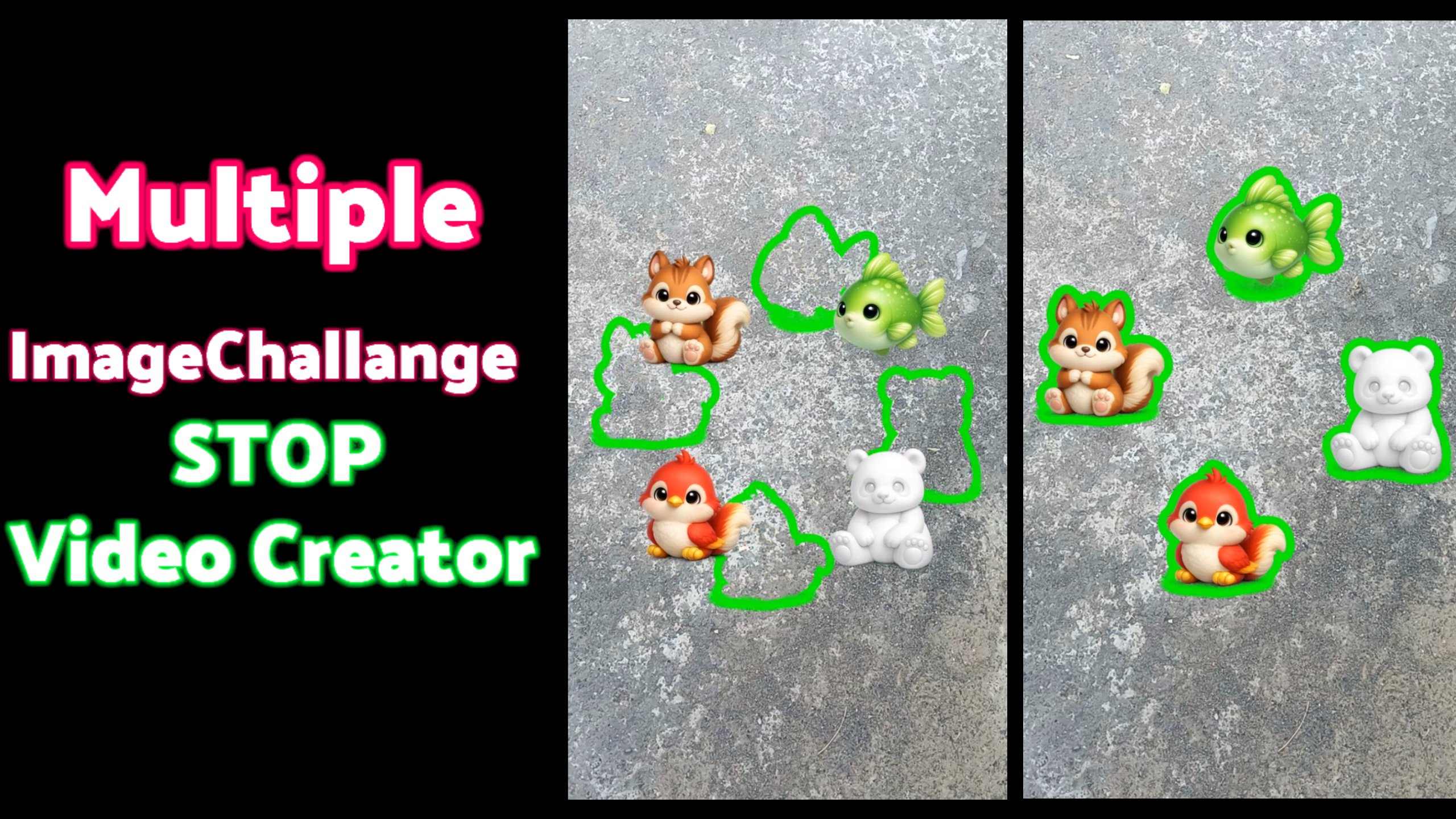
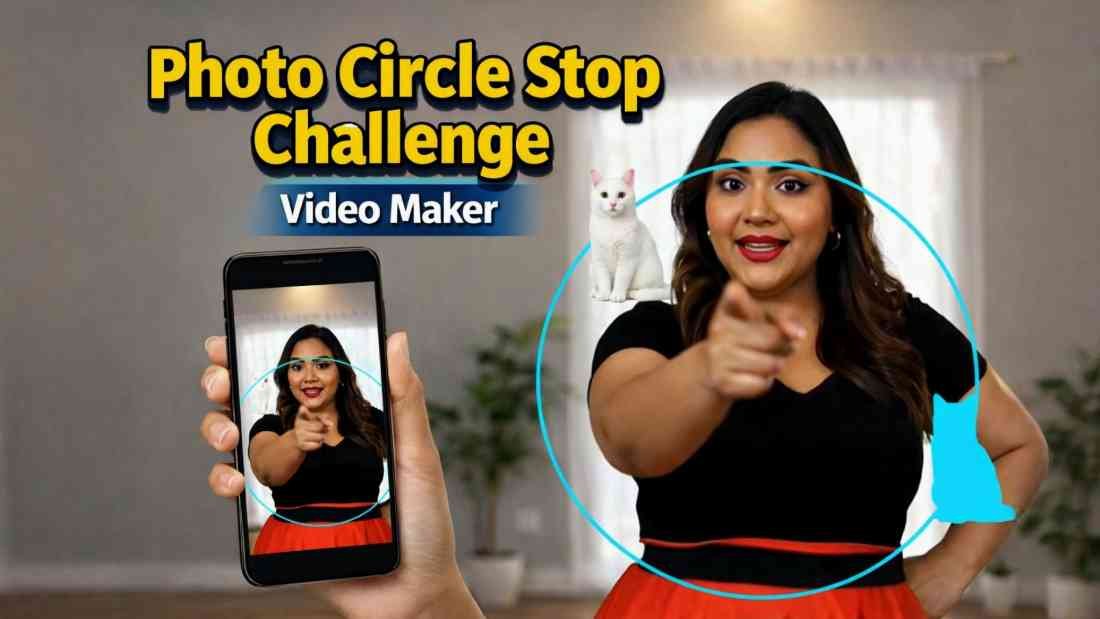
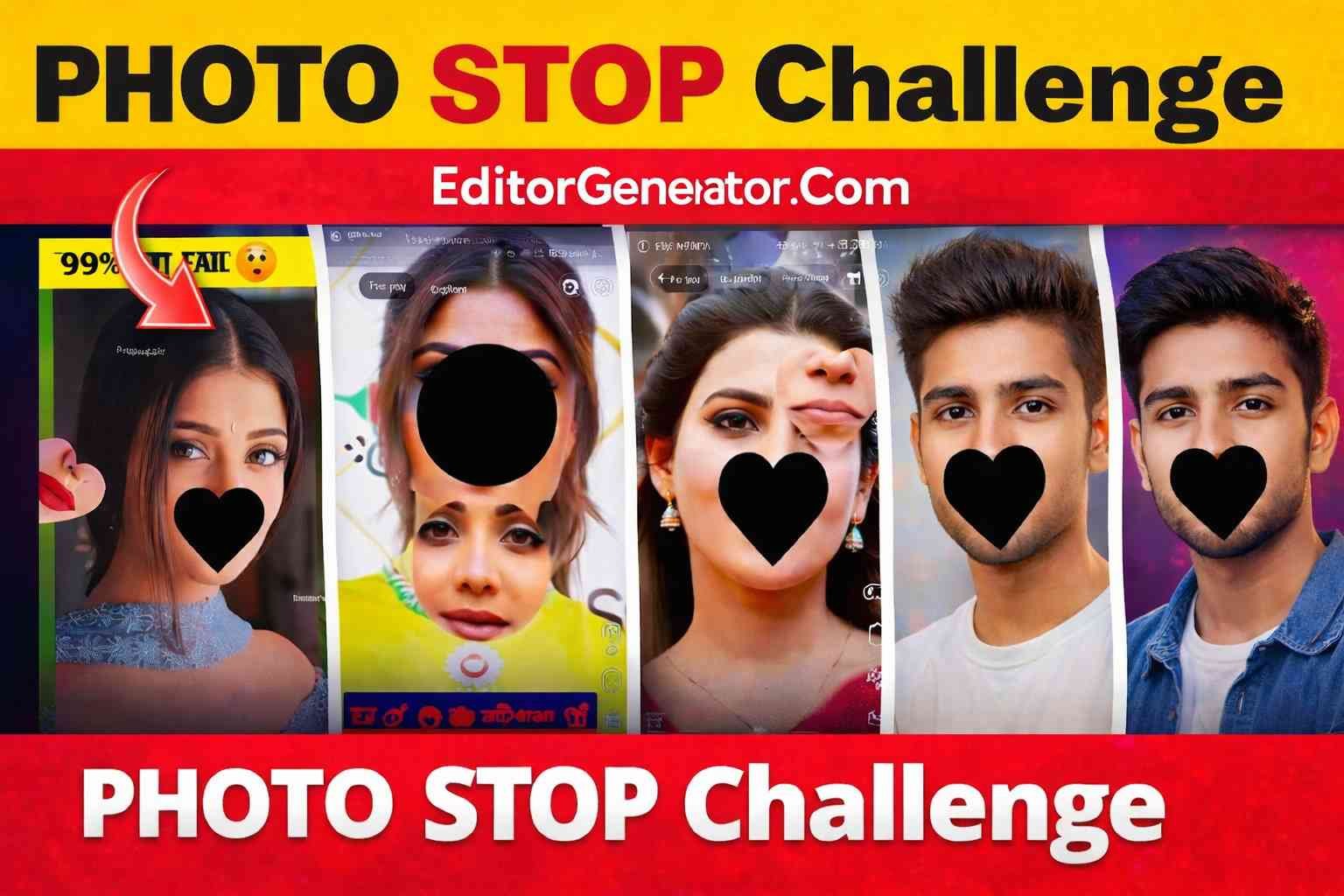
Vertical short videos are taking over social platforms. On Instagram Reels, Facebook Reels, and YouTube Shorts, this format consistently delivers huge reach because it is quick, visually satisfying, and easy to watch on mobile. One of the most viral trends in this space is the Photo Stop Challenge style—where a subject appears “cut” into two creative parts, one part stays fixed, and the other part moves around the screen before returning to its original position.
Why Photo Stop Challenge Videos Go Viral
These videos are addictive because they combine three things that social algorithms love:
- Instant visual hook: The split and movement effect catches attention in the first second.
- Loop-friendly motion: The moving piece travels around and naturally resets, making the video perfect for seamless loops.
- High watch time: People replay to understand the effect, which boosts retention and ranking.
Creators who post this style regularly often gain massive engagement. With the right subject, clean motion, and strong pacing, the same concept can generate hundreds of thousands to millions of views—especially when used with trending sounds and short, punchy captions.
Before: This Effect Was Hard to Create
Earlier, making a Photo Stop Challenge video wasn’t simple. You typically needed multiple tools and advanced editing skills:
- Manually crop and resize the video to a perfect 9:16 vertical format
- Prepare a clean transparent PNG
- Split the PNG into two parts using complicated masking methods
- Create smooth keyframe motion for one part
- Export and sync the final render correctly
This process could take hours, and even small mistakes (wrong crop, poor masking, uneven motion) could ruin the final result.
Now: Create Photo Stop Challenge Videos Easily with Our Tool
Our Photo Stop Challenge Video Maker is designed to make this viral effect simple—no complicated editing workflow required. You just upload your assets, choose your options, and generate a ready-to-post vertical video.
How It Works
- Step 1: Select Video — Upload any video and the tool automatically converts it to a perfect vertical format by center-cropping to 9:16 and resizing to 720×1280.
- Step 2: Select Transparent PNG — Upload a PNG overlay (transparent background). The tool keeps transparency and resizes the image while maintaining its aspect ratio.
- Choose image position — Set the overlay placement as bottom_center, top_center, or center.
- Choose image size — Use a simple slider to set the image size from 10% to 100% (default 65%).
- Choose cutting styles — Split the PNG using fun variations like random, linear, curve path, or zigzag. You can also choose the cut direction: horizontal, vertical, or diagonal (diagonal cuts are always at random angles for a fresh look every time).
What Makes Our Tool Special
- Automatic vertical formatting: Your video is always optimized for Reels and Shorts (9:16, 720×1280).
- Stylish PNG cutting: Not just a simple straight line—use curve and zigzag cuts for a premium effect.
- Natural movement: One part stays fixed while the other moves across the screen and returns to the original position, creating a clean “challenge” loop.
- Fast output: Generate the final video quickly and download it instantly.
- Beginner-friendly: No keyframing, no advanced masking, no complicated editing software.
Best Use Cases
This tool works great for:
- Creator branding videos (logo + character overlays)
- Motivational or quote videos with a split PNG sticker effect
- Product promos and affiliate reels
- Gaming highlights with animated overlays
- Funny meme-style shorts using cutout characters
Tips to Get More Views
- Use a clear subject in your PNG (faces/characters work best).
- Choose curve or zigzag cuts for a more premium viral feel.
- Keep the motion smooth and loop-friendly so people replay.
- Post with trending audio and short captions.
- Export and upload in high quality to preserve crisp edges.
Enjoy our tool
The Photo Stop Challenge trend proves that you don’t always need complicated editing to go viral—you need a strong visual hook that feels satisfying in a short loop. This effect used to be hard and time-consuming, but with our Photo Stop Challenge Video Maker, you can create the same high-performing format in minutes. If you want to grow fast on Reels and Shorts, this is one of the smartest video styles to add to your content strategy.