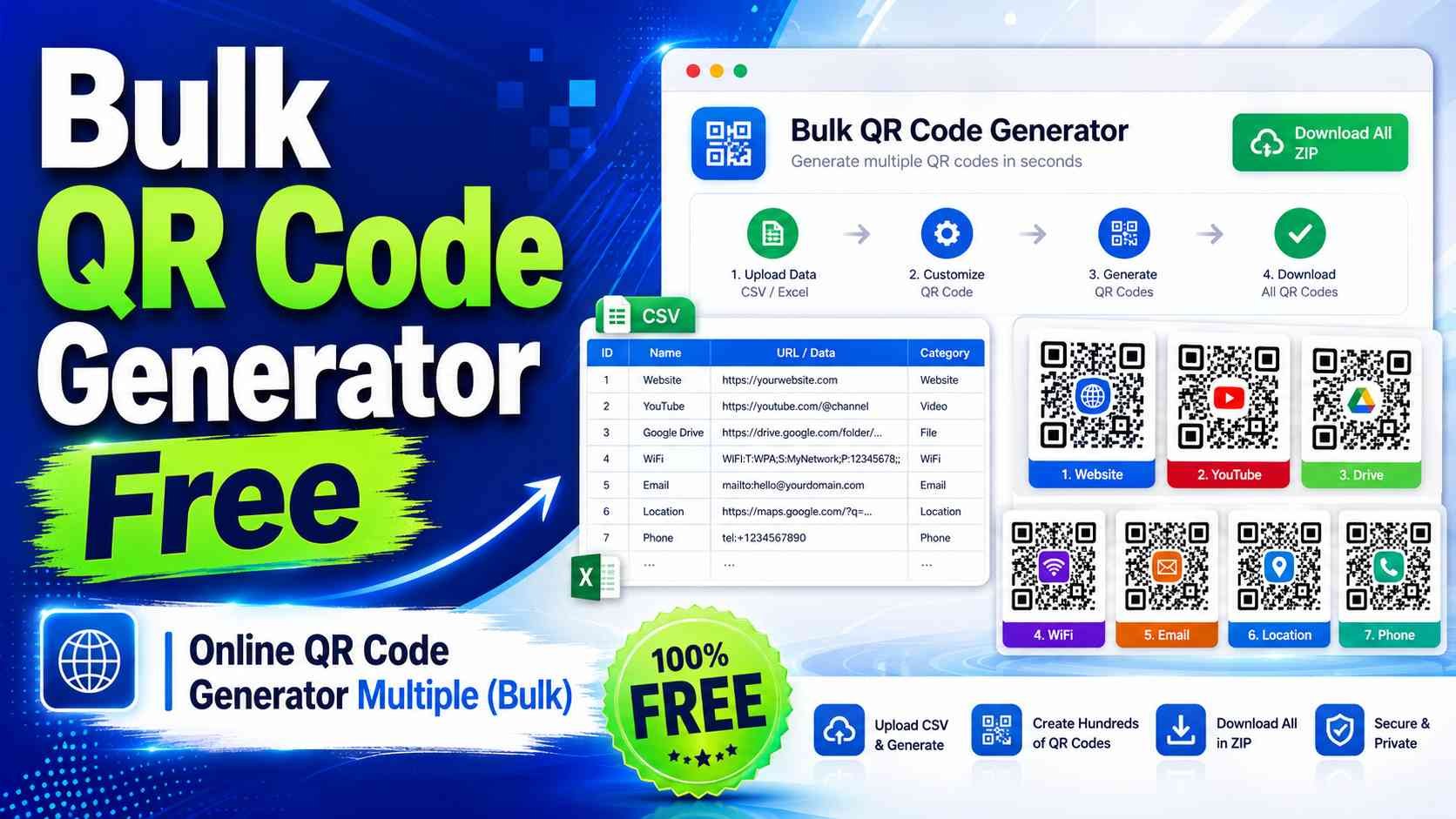

Bulk QR Code Generator – Create Multiple QR Codes Online for Free
The Bulk QR Code Generator on EditorGenerator.Com is a free online tool designed for users who need to create many QR codes at the same time. Instead of generating every QR code individually, you can provide multiple URLs, text values, product links, IDs, or other information and generate all required QR codes in one process. The tool supports both CSV file upload and direct pasted data, making it useful for businesses, students, website owners, marketers, teachers, event organizers, product sellers, and anyone who needs multiple QR codes quickly. Everything is processed directly inside your web browser, so the process is fast, simple, and convenient.
What Is a Bulk QR Code Generator?
A Bulk QR Code Generator is a tool that converts multiple pieces of information into separate QR codes automatically. A normal QR generator usually accepts one URL or one text value at a time. If you need hundreds of QR codes, generating them one by one can take a very long time. A bulk generator solves this problem by accepting a complete list of data and creating an individual QR code for every item. For example, if you provide 100 website URLs, the tool can generate 100 separate QR code images without requiring you to repeat the same process manually.
Generate QR Codes from Pasted Data
The easiest way to use this tool is through the Paste Data option, which is available by default. You can directly paste multiple URLs or text values into the provided box and generate QR codes without creating any file. This is useful when you already have a list copied from a website, spreadsheet, document, database, or text file. The generator reads each provided value, converts it into a separate QR code, and prepares all generated QR images for preview and download. This makes the tool especially convenient for small and medium-sized bulk QR generation tasks.
Use One Per Line, Comma, or Custom Separator
The Paste Data section supports multiple separator methods. You can choose One Per Line when every URL or text value is written on a separate line. You can select Comma when all values are separated by commas. The Custom option gives you even more flexibility because you can enter your own separator character, symbol, or text. For example, you may use a vertical bar, semicolon, hash symbol, tilde, double characters, or another custom separator. This feature is helpful when your data comes from different systems or applications that use different formatting styles.
Generate Bulk QR Codes from a CSV File
The tool also includes CSV file support for users who manage larger datasets. You can upload a CSV file containing filenames and QR data. A recommended CSV structure contains a filename column and a data column. The filename determines the name of the generated QR image, while the data column contains the URL, text, code, or other information that will be stored inside the QR code. The generator can also work with simpler CSV files containing only data values. This makes it easy to generate QR codes from information exported from spreadsheets, websites, databases, inventory systems, or customer records.
Automatically Create QR Code Filenames
You do not need to manually provide a filename for every QR code. If a filename is missing, the generator automatically creates organized names such as qr-0001, qr-0002, qr-0003, and so on. When filenames are available in a CSV file, the tool uses those names while also cleaning unsupported filename characters. Duplicate filenames are automatically handled by adding a number so that one generated image does not overwrite another. This automatic filename system makes downloaded QR code collections easier to organize and identify.
Customize the QR Code Image Size
Different projects require QR codes of different sizes. The Bulk QR Code Generator allows you to choose the output image resolution before generating your QR codes. Smaller sizes are suitable for websites, documents, digital forms, and general sharing, while larger sizes can be useful for printing, posters, labels, packaging, banners, and other physical materials. Since every generated QR code is created according to the selected size, the complete batch remains visually consistent. Choosing a suitable image size before downloading can also reduce the need for additional image editing.
Choose QR Code Colors and Background
The generator allows you to customize both the QR code color and its background color. Traditional black QR codes on a white background provide excellent scanning reliability, but custom colors can be useful when you want the QR code to match your website, brand, product packaging, event theme, or visual design. When selecting colors, it is recommended to maintain strong contrast between the QR pattern and background. A dark QR pattern on a light background generally provides better scanning performance across different smartphones and QR reader applications.
QR Code Error Correction Settings
The tool provides multiple QR error correction levels including Low, Medium, Quartile, and High. Error correction helps a QR code remain readable even when a small part of the pattern is damaged, covered, printed imperfectly, or affected by environmental conditions. Medium error correction works well for many general uses, while higher levels can provide additional recovery capability. Higher error correction may create a slightly denser QR pattern because more information is included for recovery. You can select the level that best matches your intended use before generating the complete batch.
Preview the First 20 Generated QR Codes
When a large batch is generated, displaying hundreds or thousands of QR images on the webpage can unnecessarily slow down the browser. To keep the interface fast and easy to use, the result table displays a preview of up to the first 20 generated QR codes. The table shows the QR image along with the exact URL or data stored inside it. This allows you to quickly verify that the input has been processed correctly before downloading the complete collection. Even when only 20 QR codes are shown in the preview, all successfully generated QR codes remain available in the ZIP download.
See the URL or Data Beside Every QR Code
The result table is designed to make verification simple. Each preview row contains the generated QR image and the corresponding URL or data value. If the value is a valid web address, it is displayed as a clickable link so you can quickly open and verify it. The generated PNG filename is also displayed in the same row. This helps prevent confusion when working with similar links, product IDs, tracking codes, customer references, or large groups of QR codes. You can easily confirm which image belongs to which original value.
Download All QR Codes in One ZIP File
After the generation process is complete, you can download all successfully created QR codes using the Download All QR Codes option. Instead of downloading each PNG image separately, the tool prepares a single ZIP archive containing the complete collection. This is one of the biggest advantages of bulk QR generation because hundreds of files can be downloaded and transferred in one package. The ZIP archive also includes a QR data CSV record that connects generated filenames with their original data values, making it easier to manage the complete QR collection later.
Track QR Generation Progress
Generating a large number of QR codes can take some time depending on the number of records, selected image resolution, browser performance, and device speed. The built-in progress indicator shows how many QR codes have been processed and the percentage completed. The tool also displays the total number of records, successfully generated QR codes, and failed or skipped items. This provides clear feedback during larger jobs and allows you to understand the final result before creating the ZIP file.
Free Bulk QR Code Generator with No Premium Requirement
The Bulk QR Code Generator is designed as a free tool and does not require a premium plan to generate or download QR codes. You can use the CSV upload, Paste Data feature, custom separator, QR customization options, preview table, and ZIP download without a premium restriction. This makes the tool useful for users who regularly need multiple static QR codes but do not want to pay for every generated image or create an account just to perform a basic QR generation task.
Browser-Based and Privacy-Friendly QR Generation
The QR generation process is performed directly inside your browser. Your pasted URLs, text values, and selected CSV content do not need to be uploaded to EditorGenerator.Com for QR processing. This browser-based approach can provide better privacy for ordinary static QR generation while also reducing unnecessary server processing. The tool creates the QR images and prepares the ZIP file on your own device using client-side technology. Once a QR code has been downloaded, it can continue to work independently because the actual URL or text is stored directly inside the static QR code.
Who Can Use the Bulk QR Code Generator?
This tool can be useful in many situations. Online sellers can create QR codes for product pages, businesses can generate codes for multiple websites or locations, teachers can prepare QR codes for educational resources, event organizers can create codes for registration links, and developers can generate QR codes for IDs or application data. Restaurants, shops, schools, offices, warehouses, marketing teams, content creators, and website owners can also use bulk QR generation whenever a large number of individual codes are required. The simple CSV and paste-based workflow makes the tool accessible even to users without technical knowledge.
Generate Multiple QR Codes Quickly with EditorGenerator.Com
Creating a large number of QR codes no longer requires repeating the same manual process for every URL or text value. The Bulk QR Code Generator on EditorGenerator.Com combines CSV support, direct pasted data, one-per-line separation, comma separation, custom separators, customizable QR settings, progress tracking, a 20-code preview table, and complete ZIP download in one browser-based tool. Whether you need ten QR codes or a much larger collection, you can prepare your data, choose the required settings, generate the complete batch, verify the results, and download all QR images together. It provides a straightforward and efficient solution for free online bulk QR code generation.